Create Application Load Balancer
Create Application Load Balancer
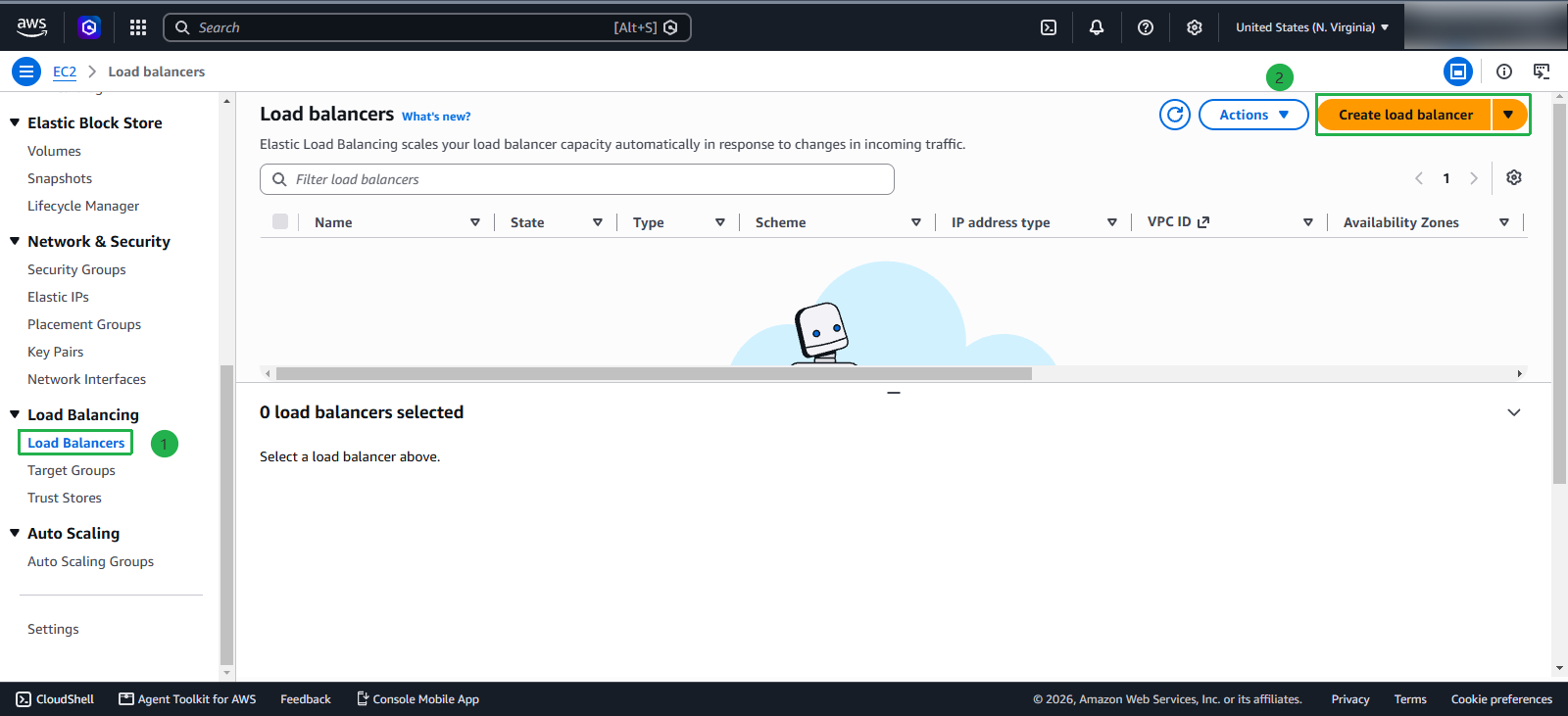
Still in this interface:
- Select Load balancers
- Click Create load balancer
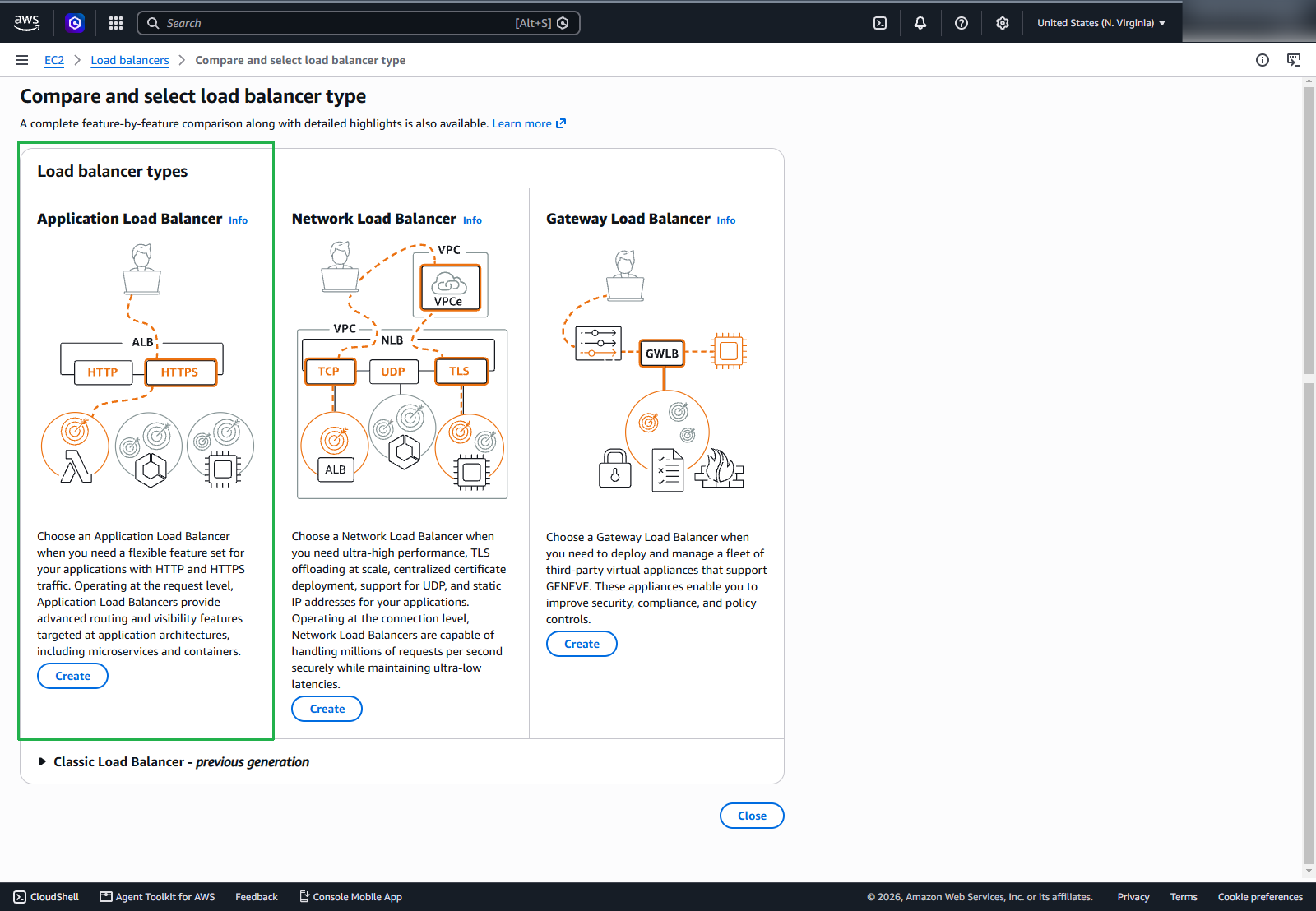
For Load balancer type, select Application Load Balancer and click Create
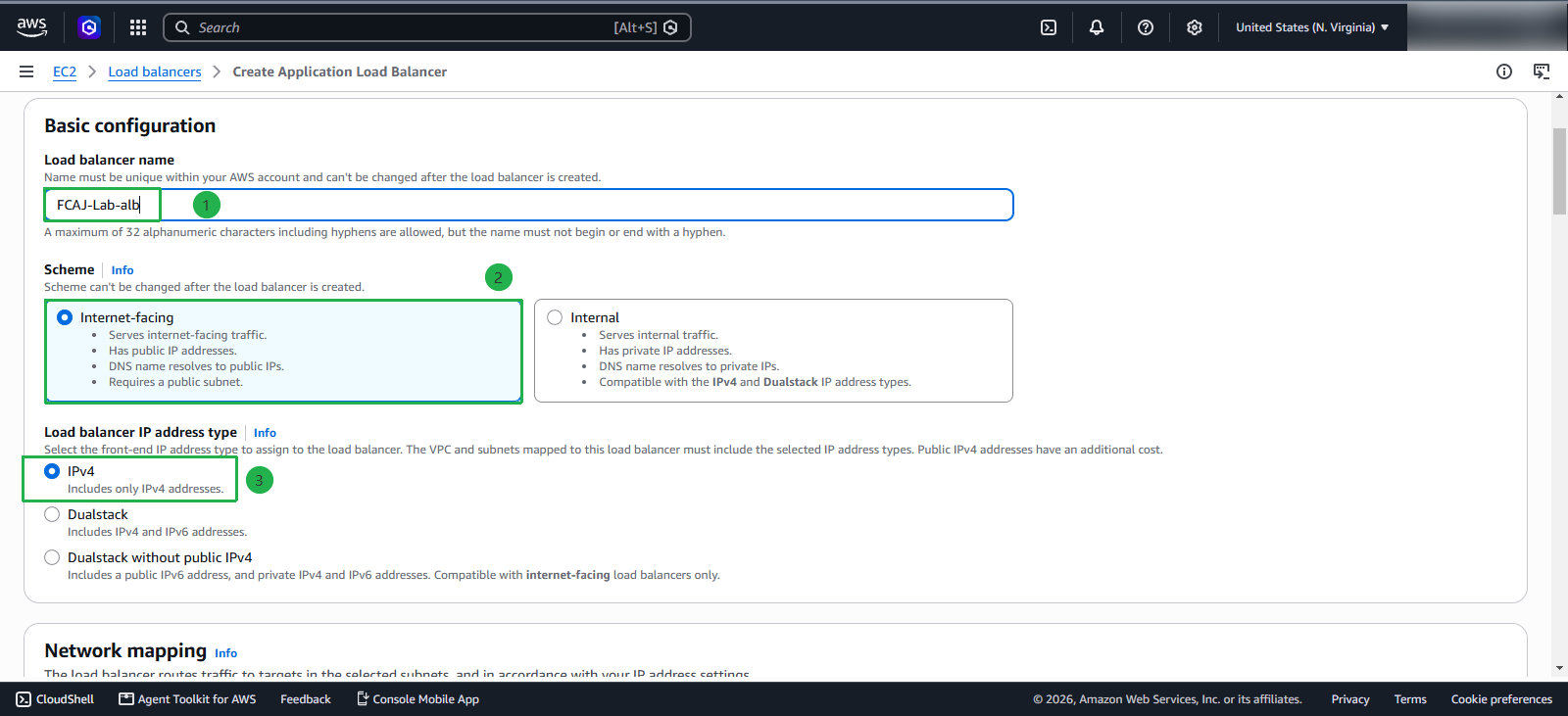
In the Basic configuration section:
- Name:
FCAJ-Lab-alb - Scheme: select Internet-facing
- Load balancer IP address type: IPv4
In the Network Mapping section:
- VPC: select the VPC that we created earlier
- Availability Zones
- Select 2 AZs, and for each AZ, select the Public subnets
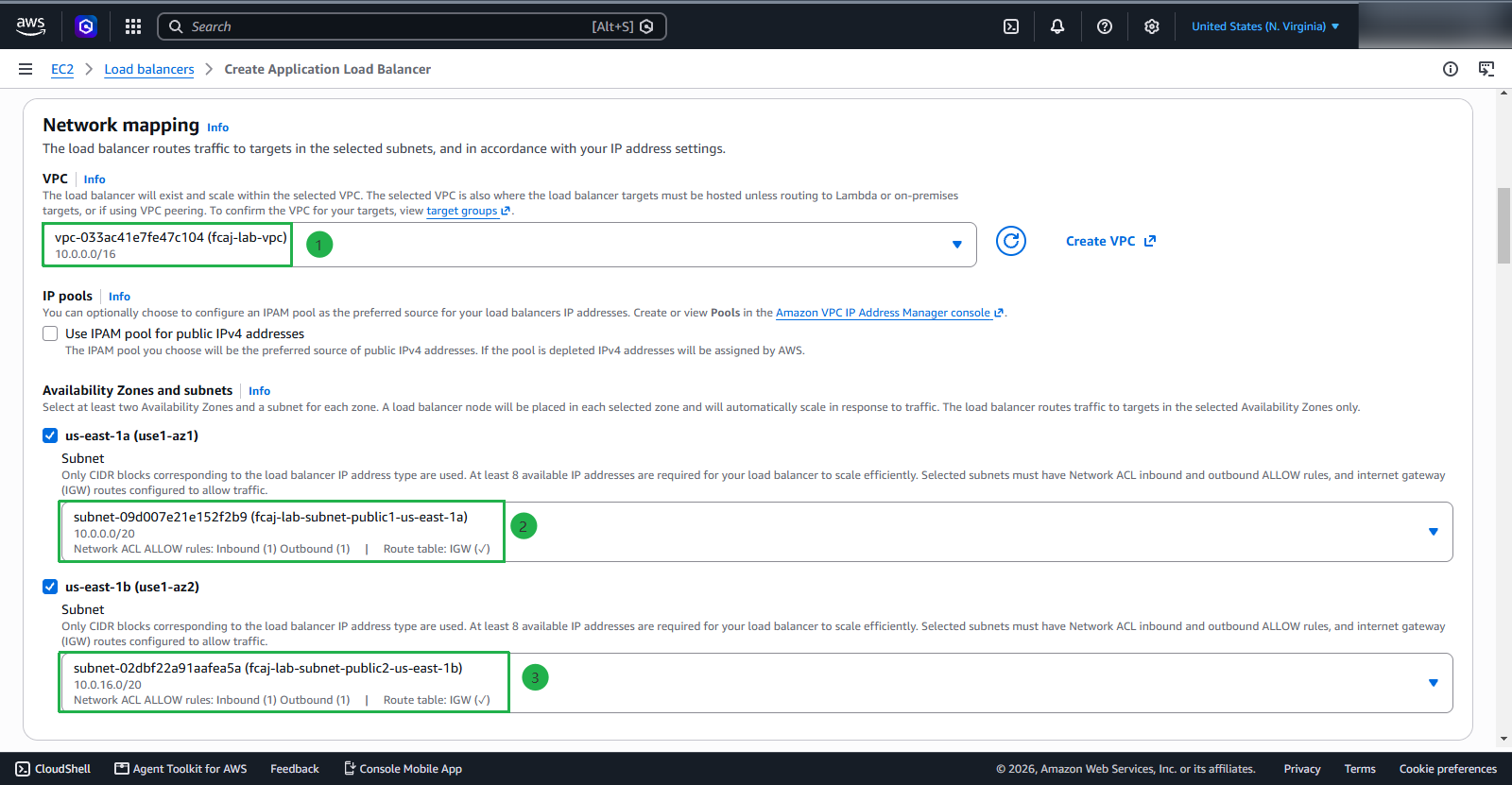
Next:
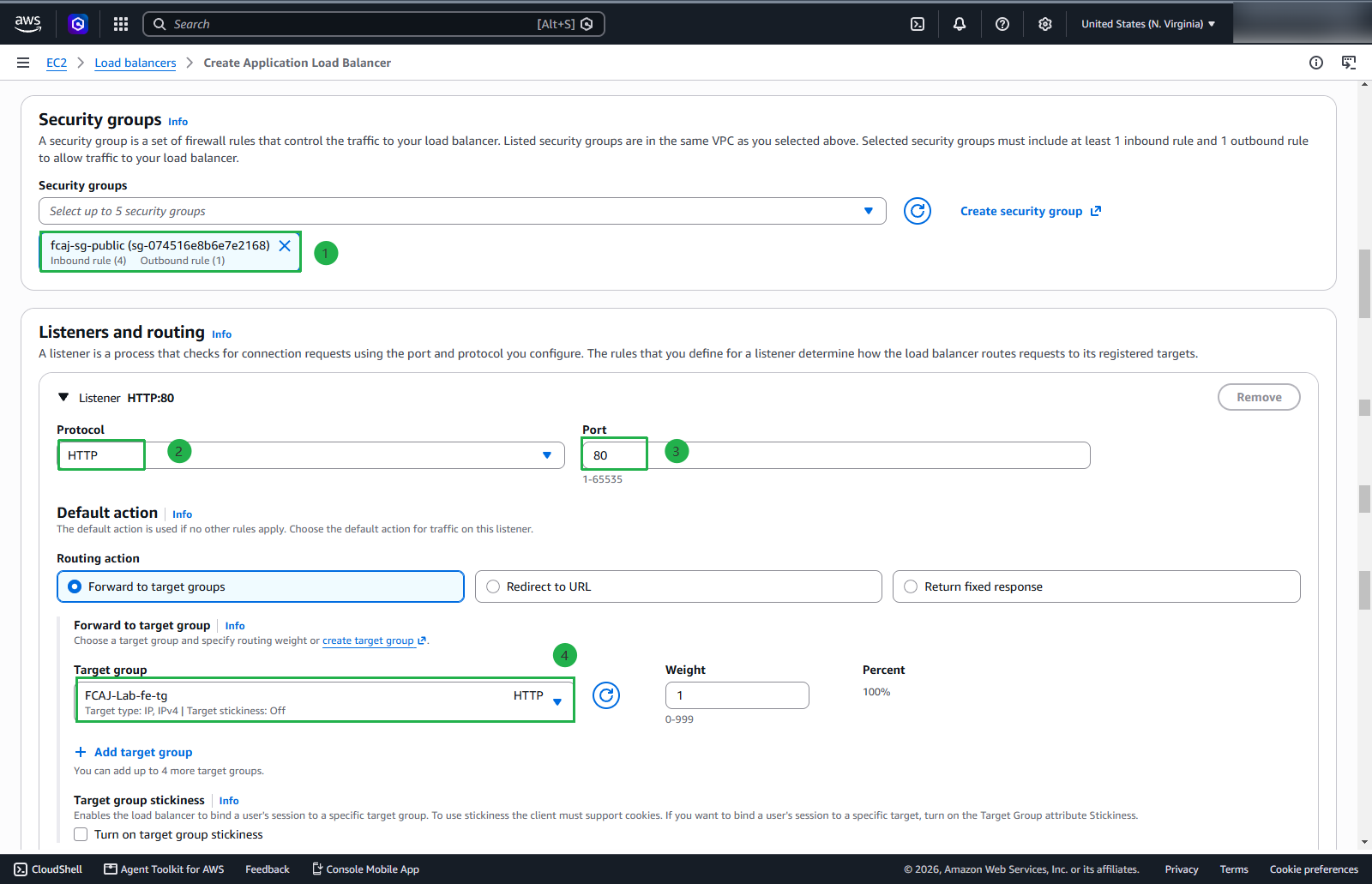
- In the Security group section, select Security Group Public that we created earlier
- Listeners and routing:
- Protocol : Port: HTTP : 80
- Target group: select FCAJ-Lab-fe-tg
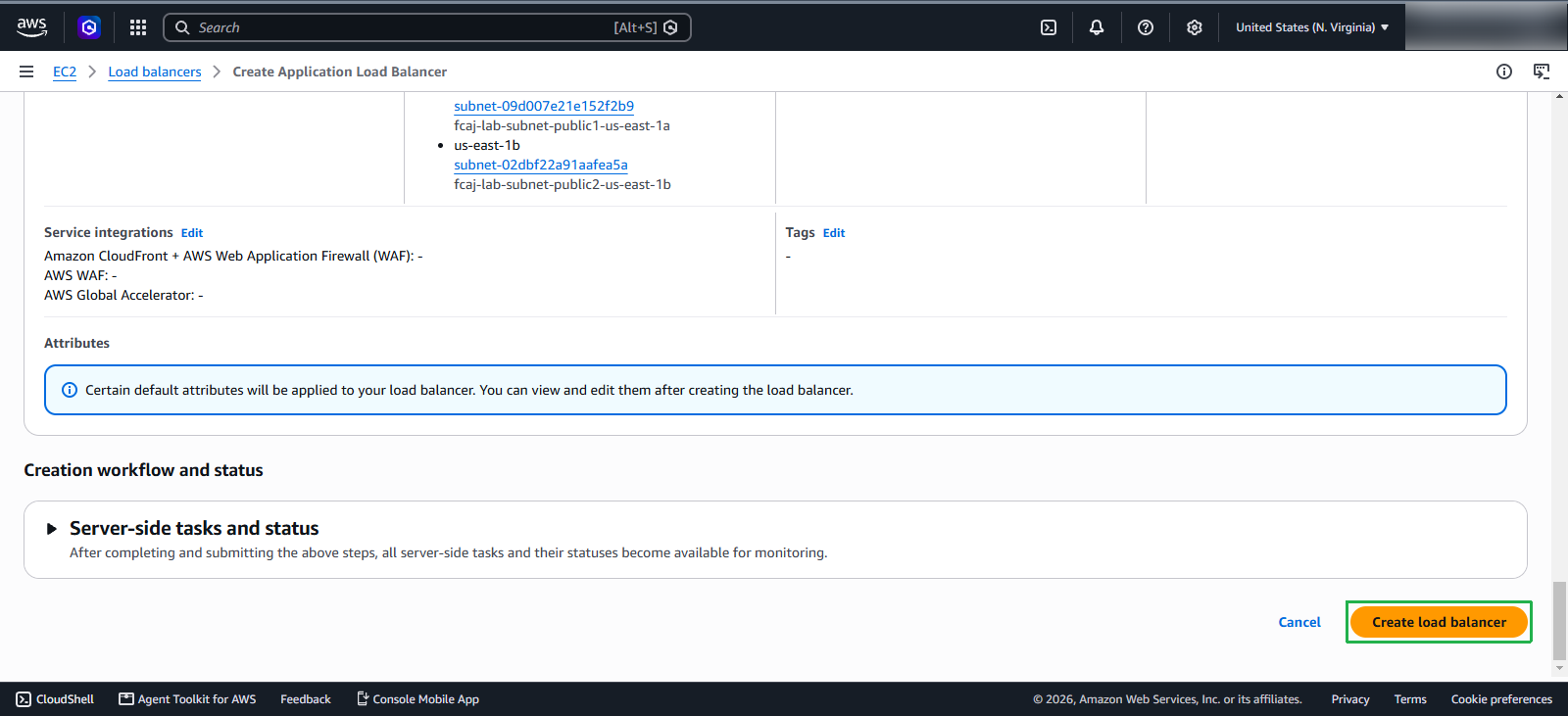
Review the information before creating and click Create
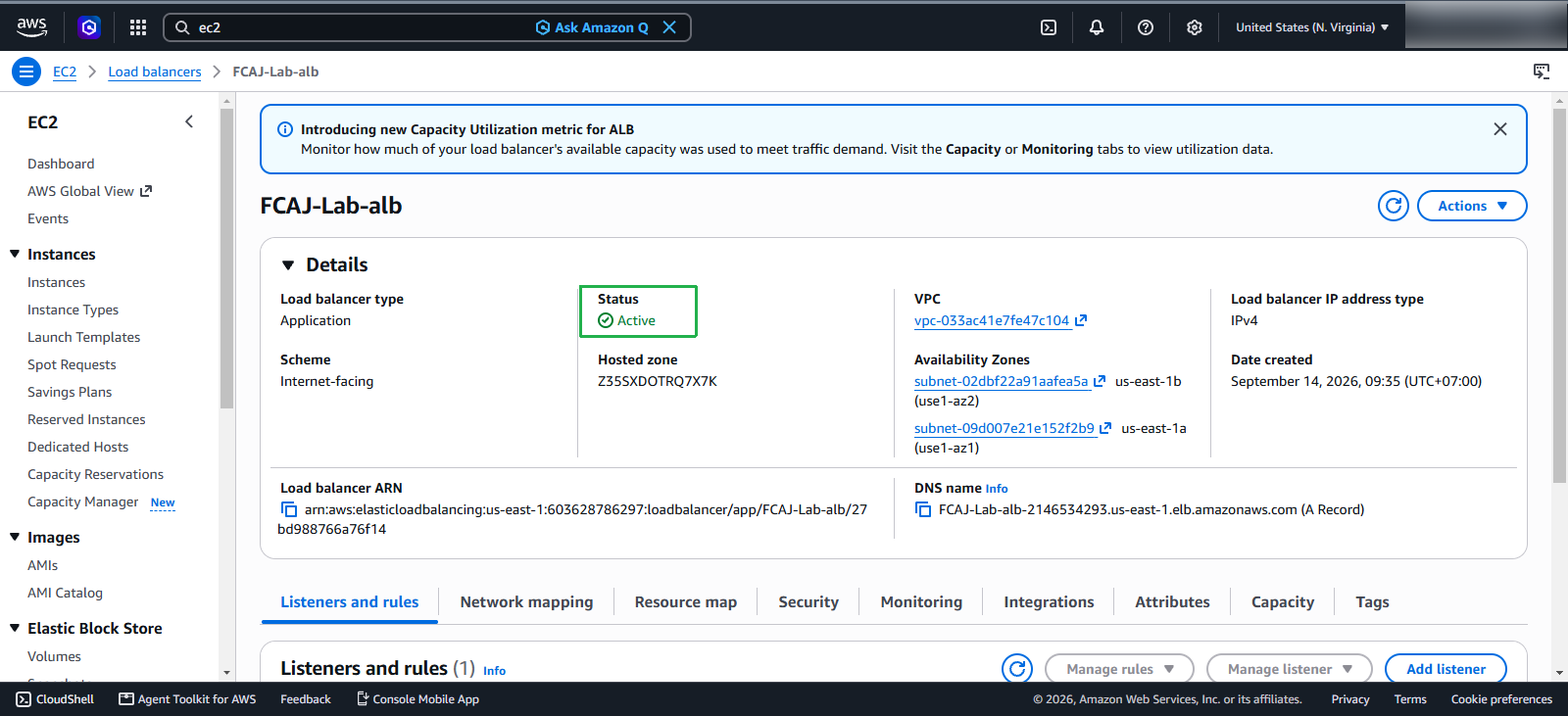
We have successfully created the application load balancer.
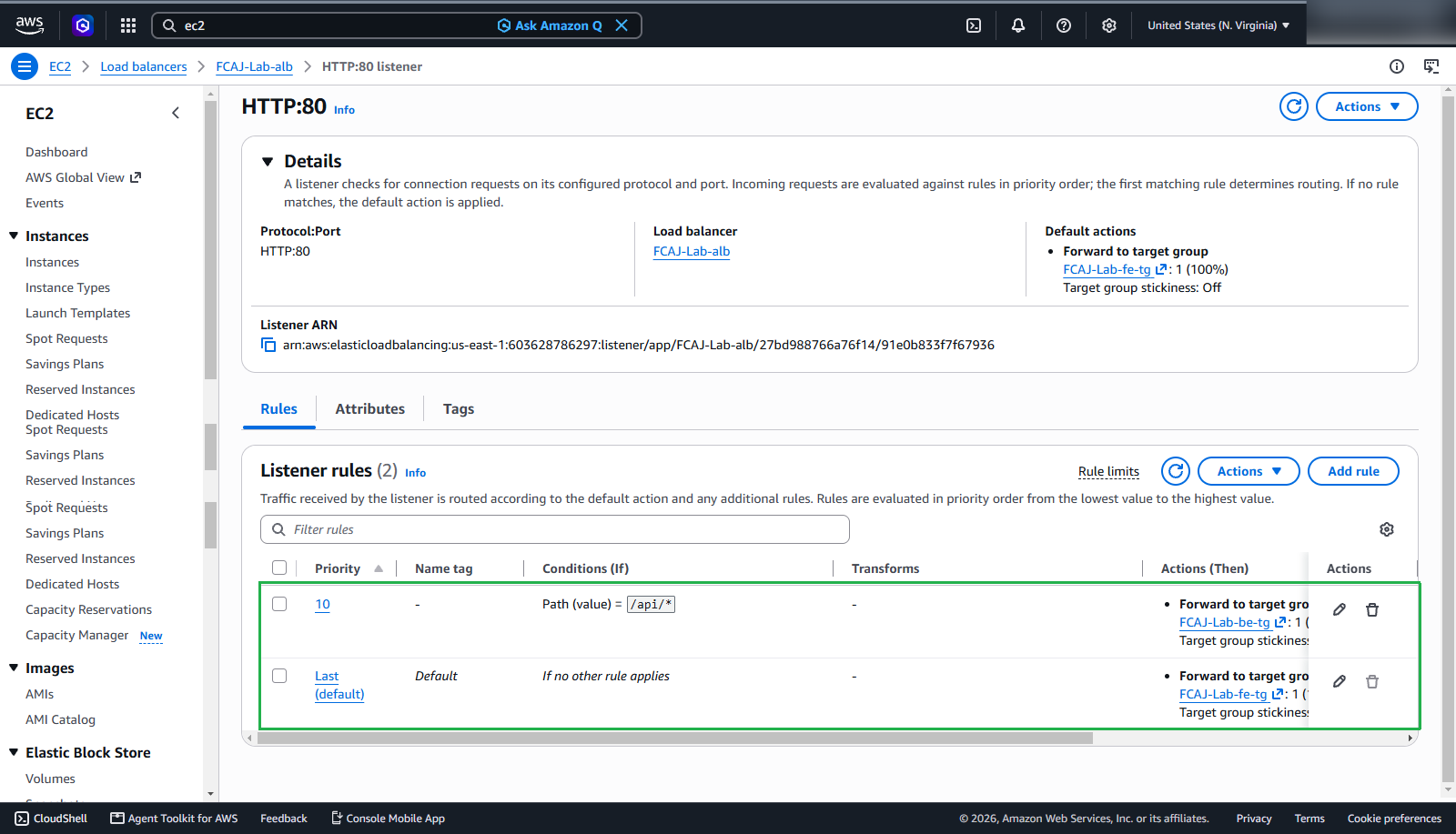
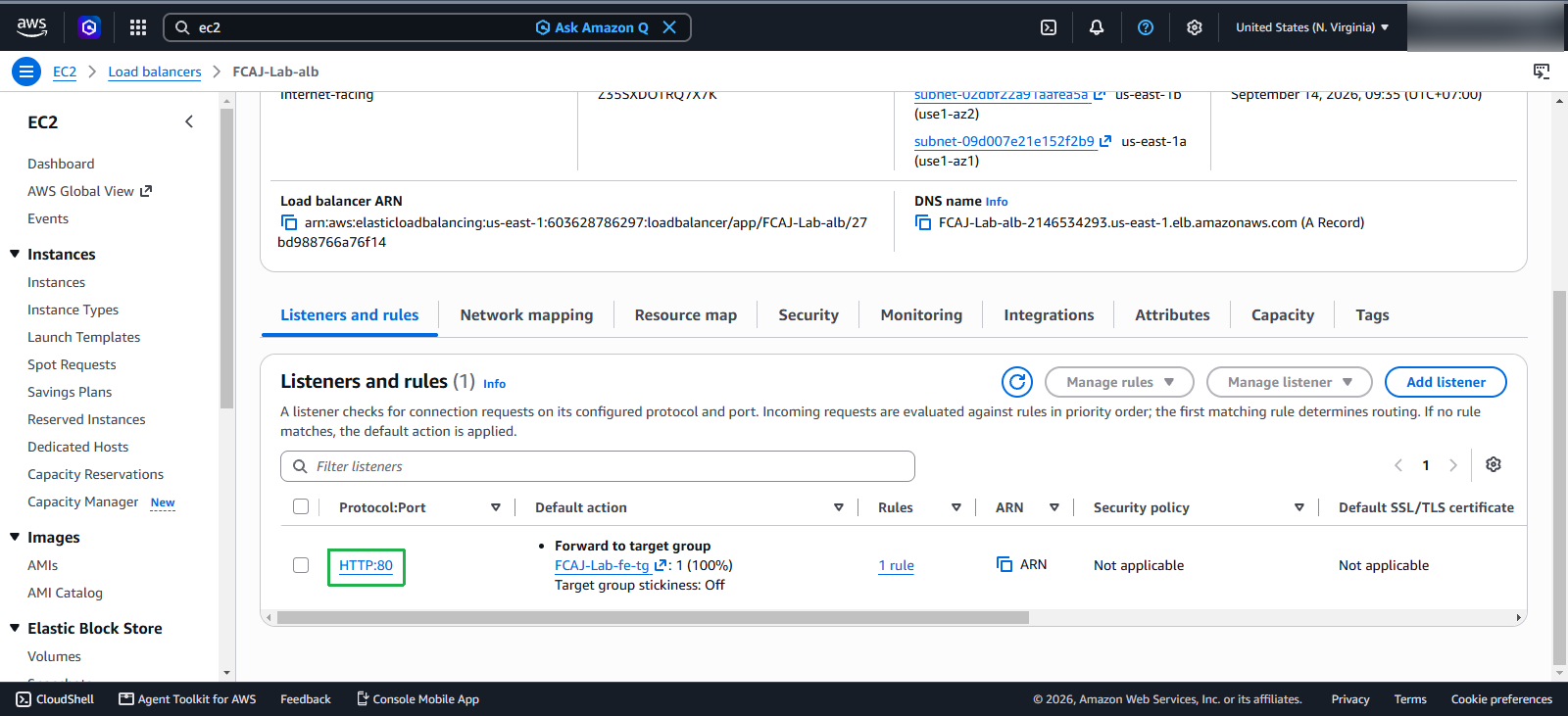
Next, we will configure the Rule for the Listener.
- Select the Listener: HTTP:80
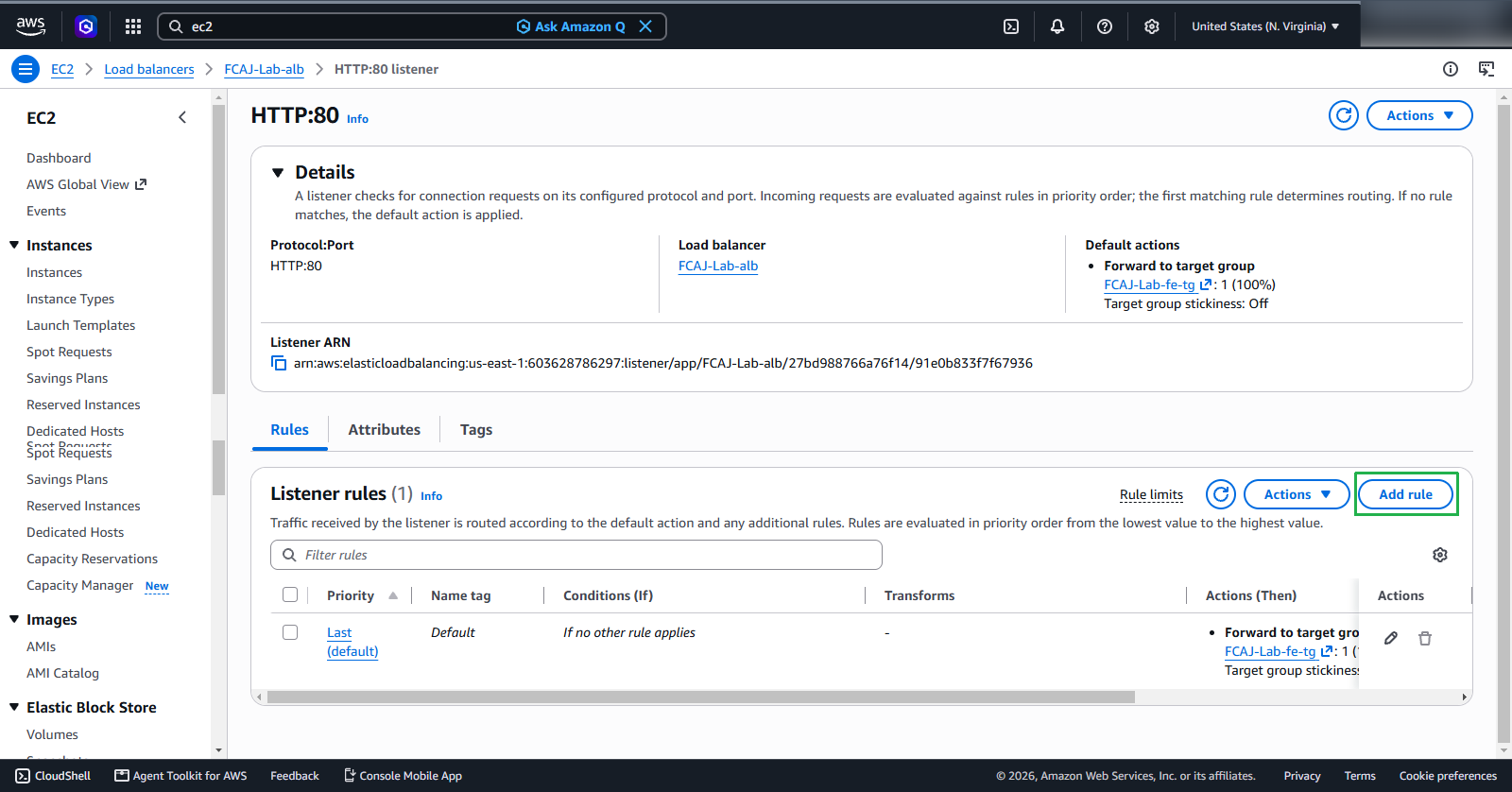
In the Rules section, click Add rule
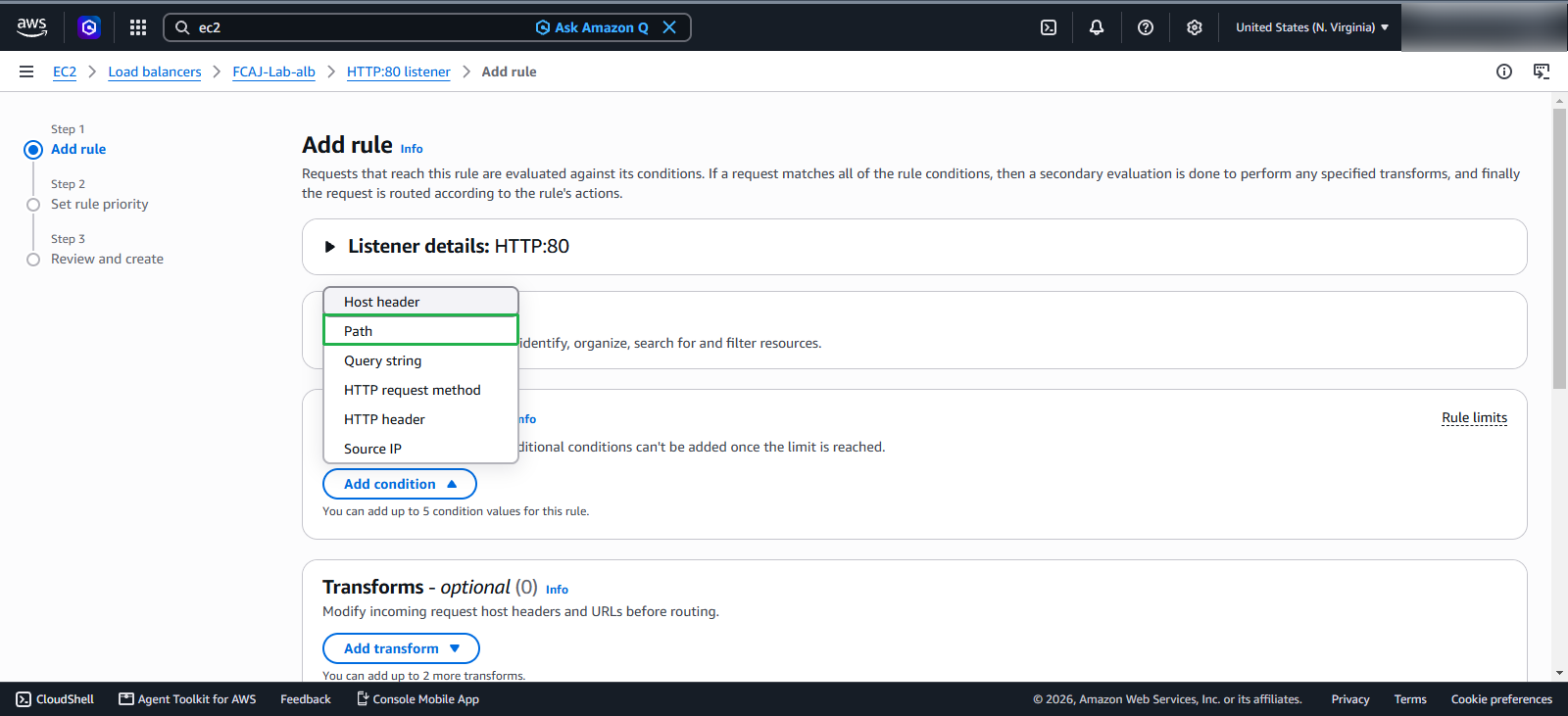
- Click Add condition
- Select Path
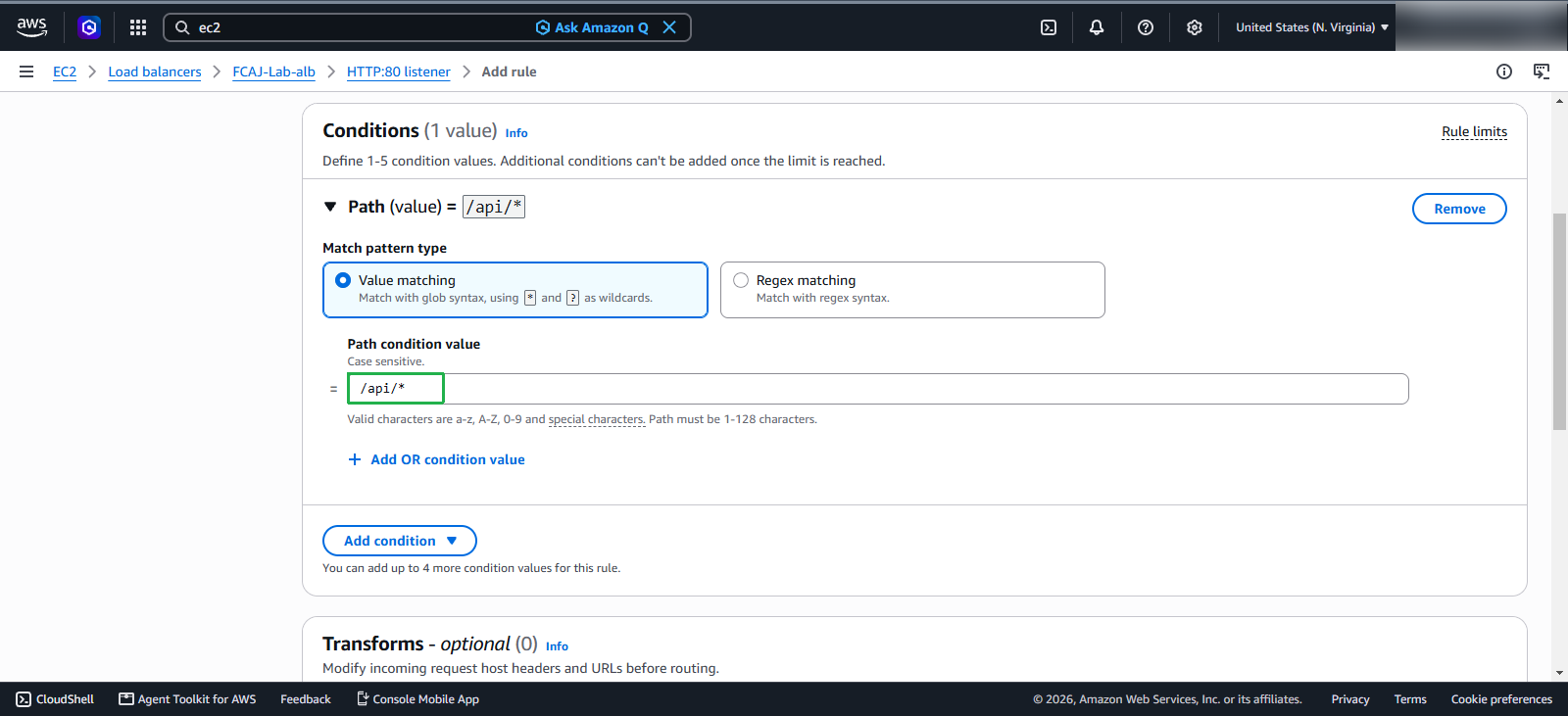
In the Path section, we will add the path as /api/*.
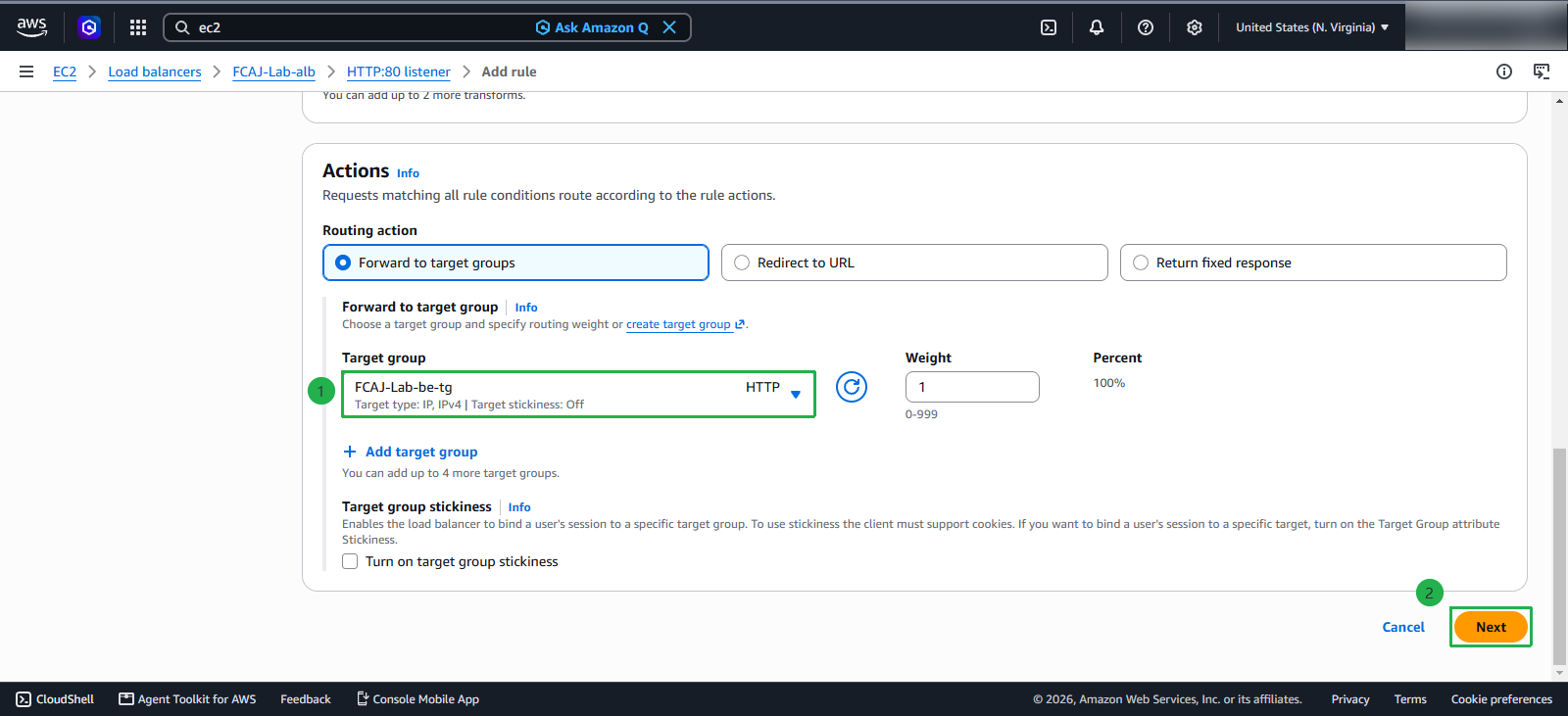
- Select Forward to target groups
- Select FCAJ-Lab-be-tg
- Click Next
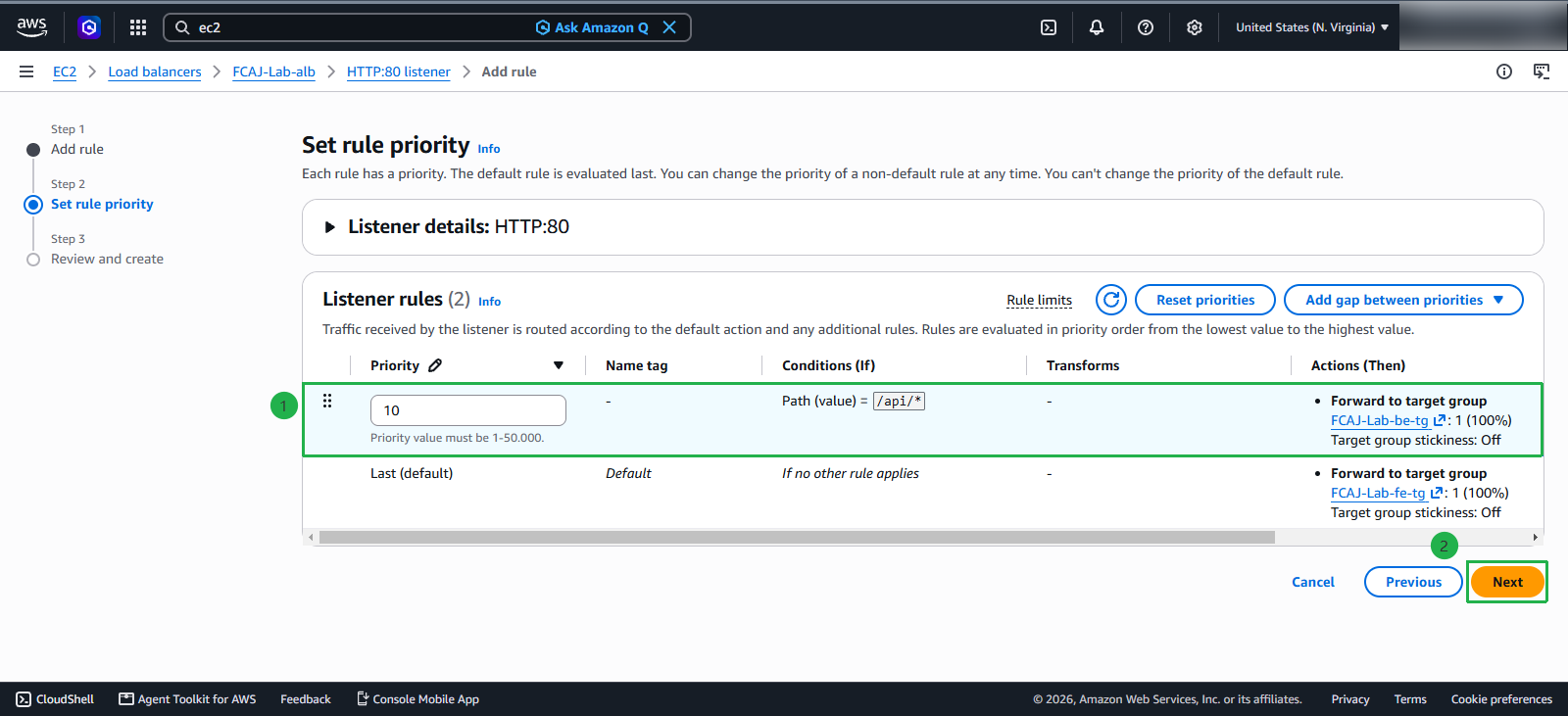
- Set Priority to 10 and click Next
Proceed to Add Rule
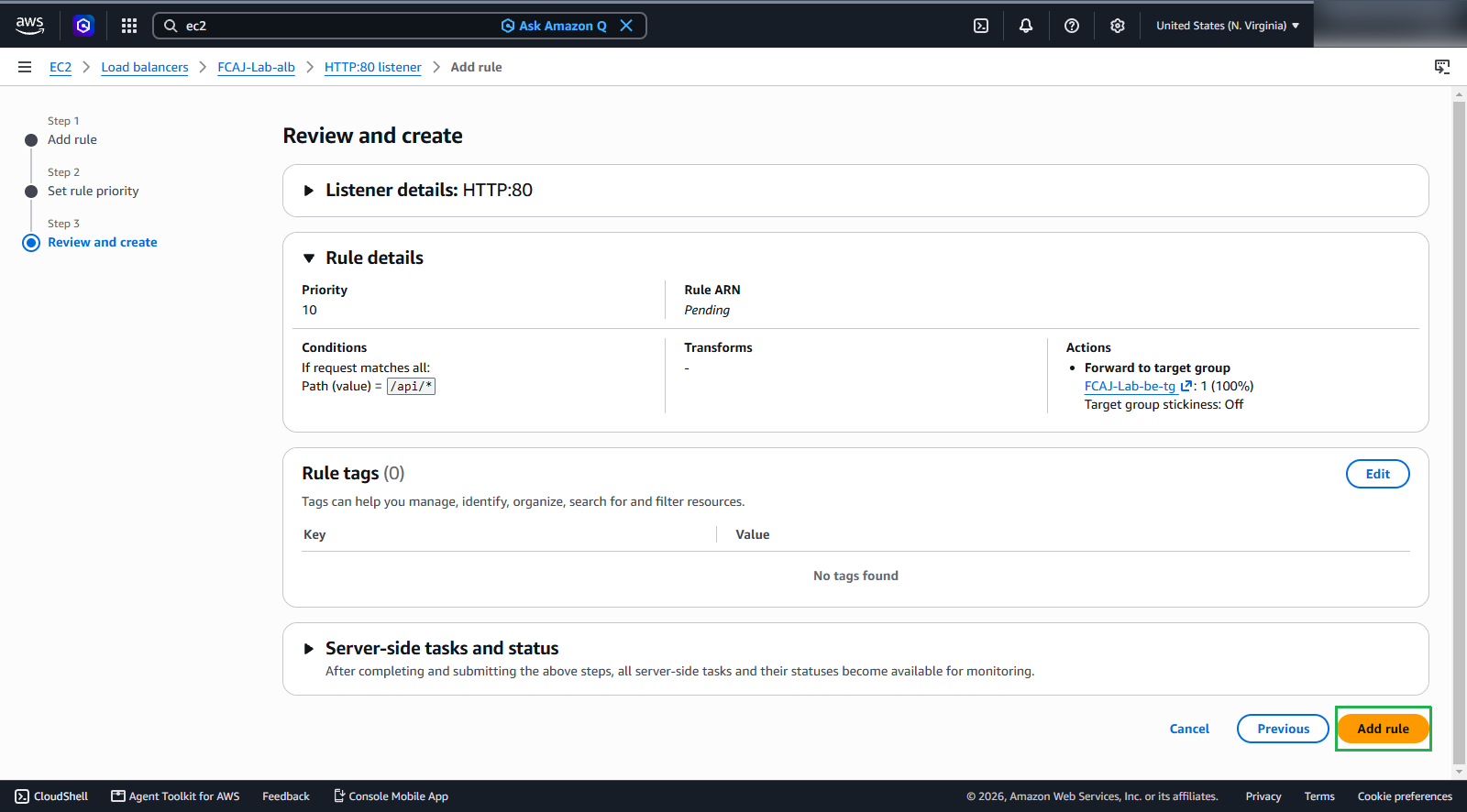
We have successfully configured the Rule for the Listener.