Create Target Group
Configure Target Group Frontend
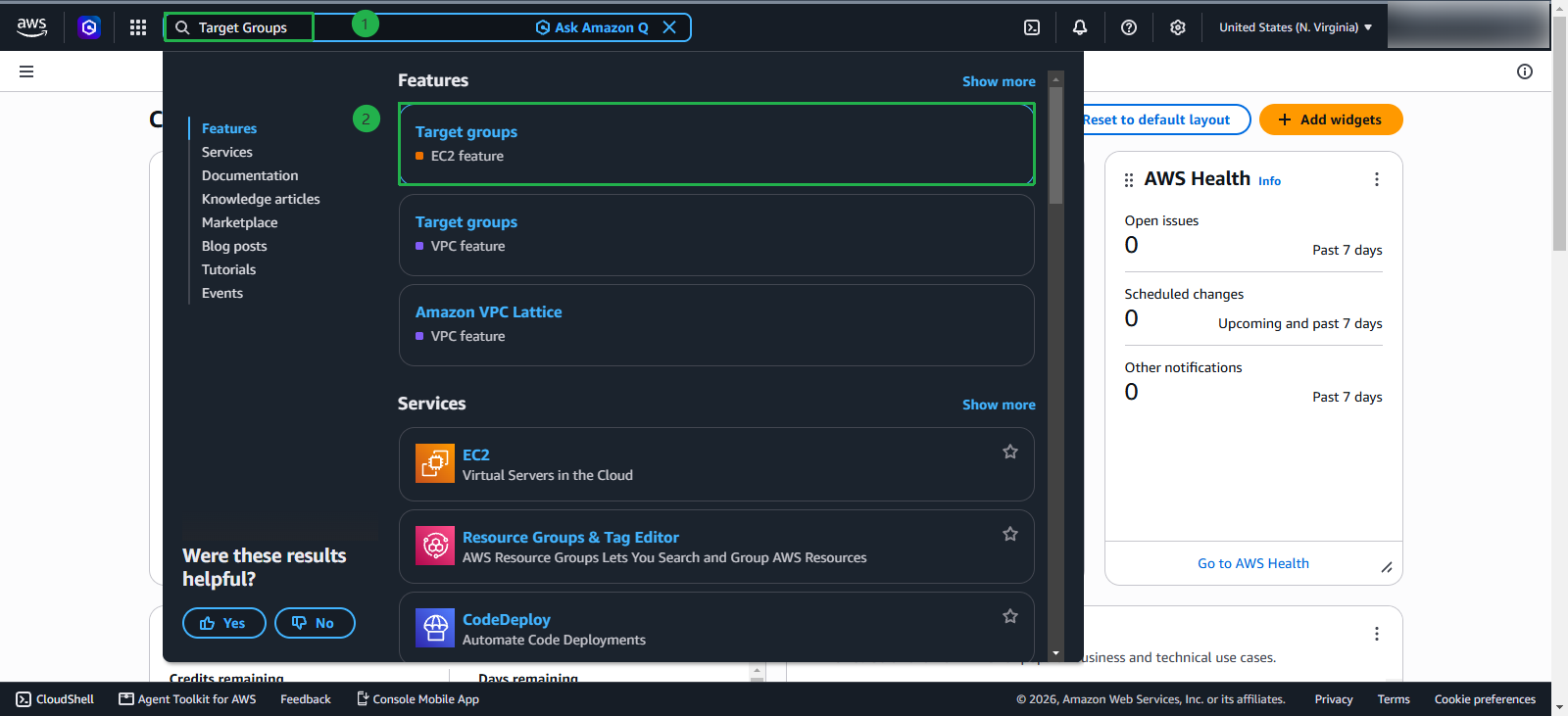
In the search bar:
- Type
Target Groups - Select Target Groups (EC2 feature)
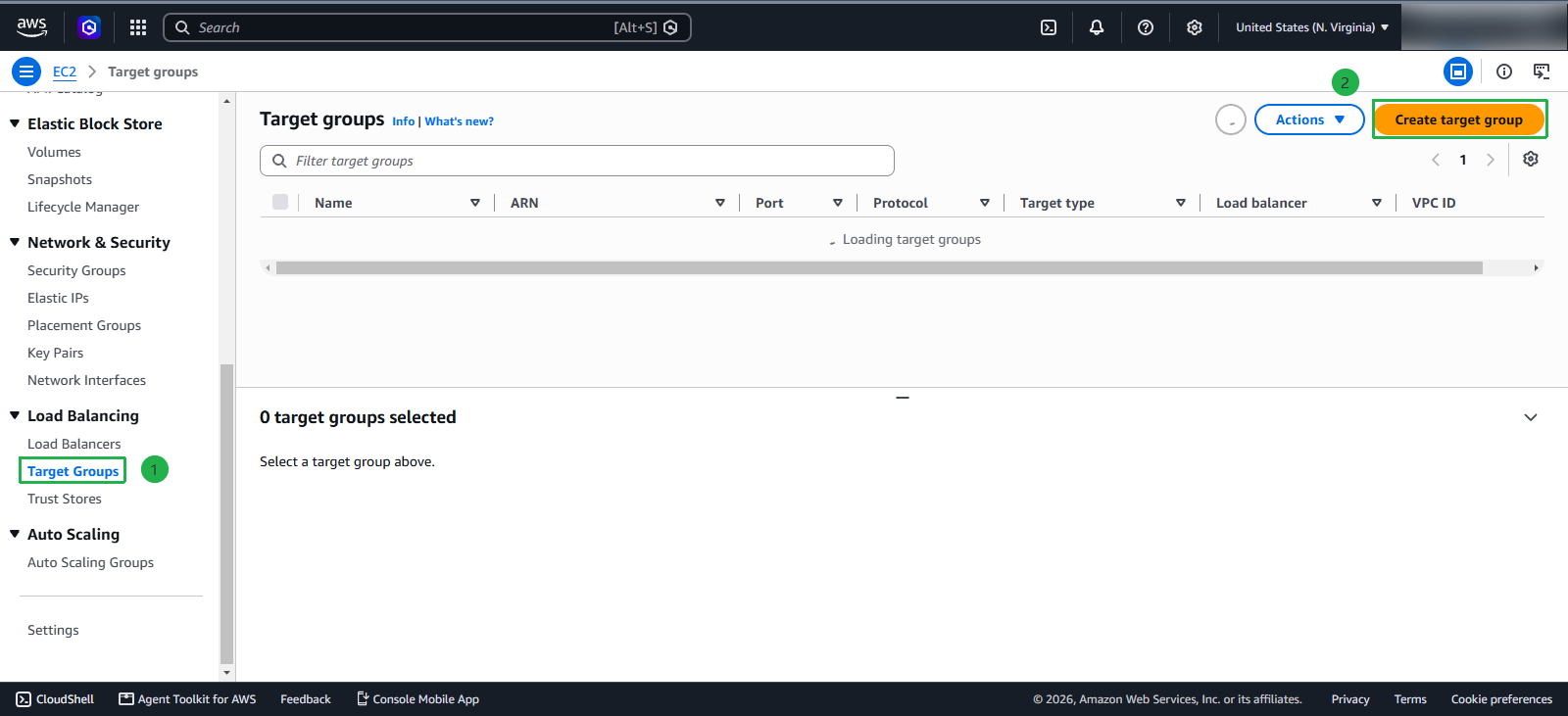
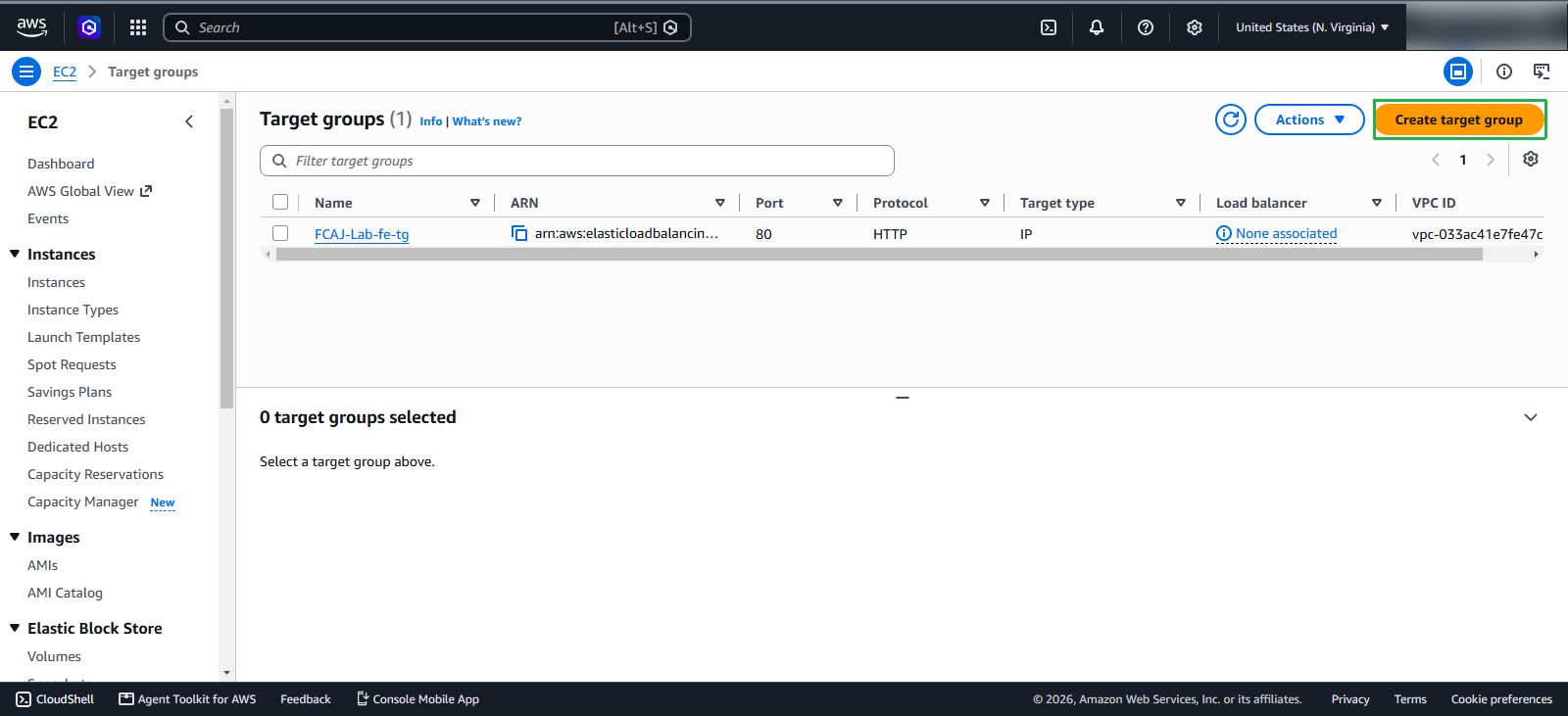
On the Target Group screen, click Create target group
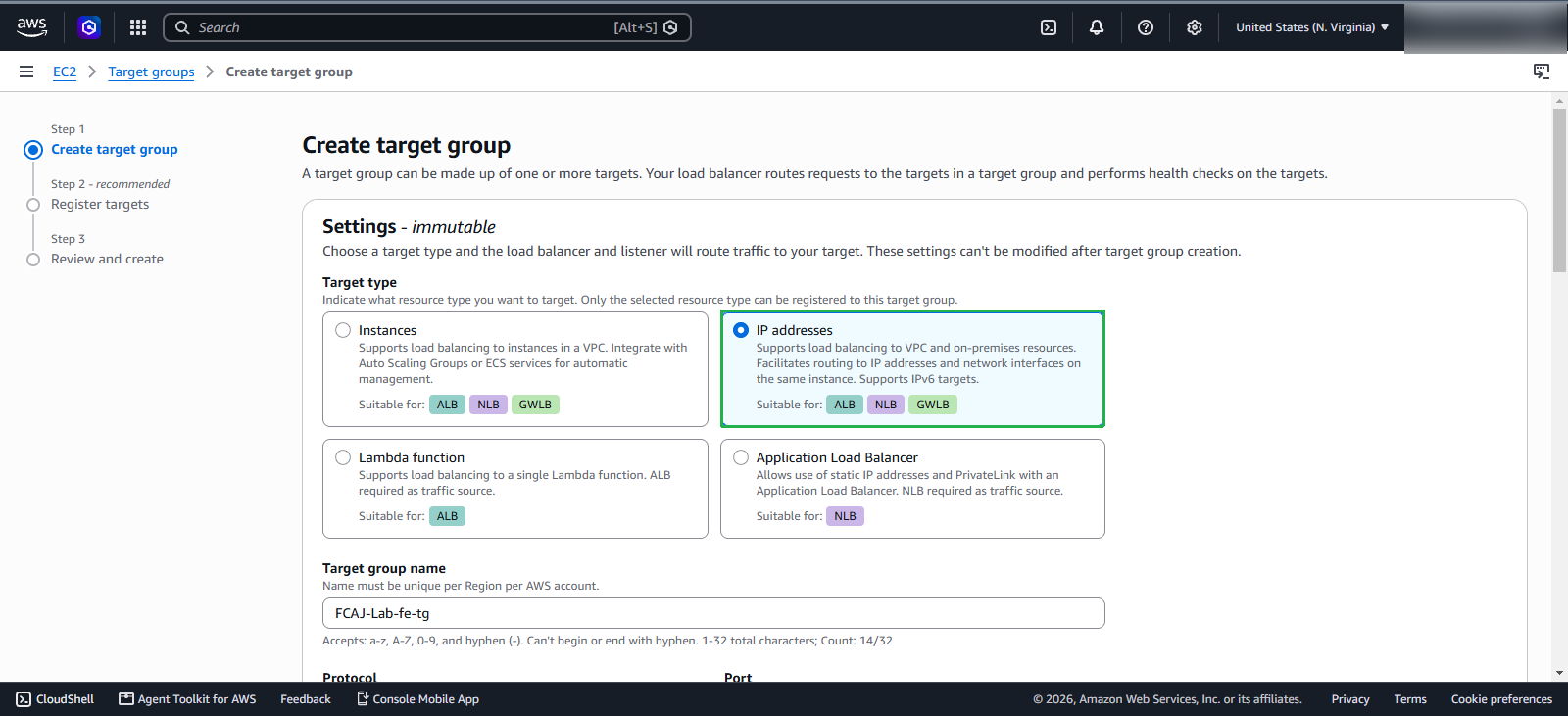
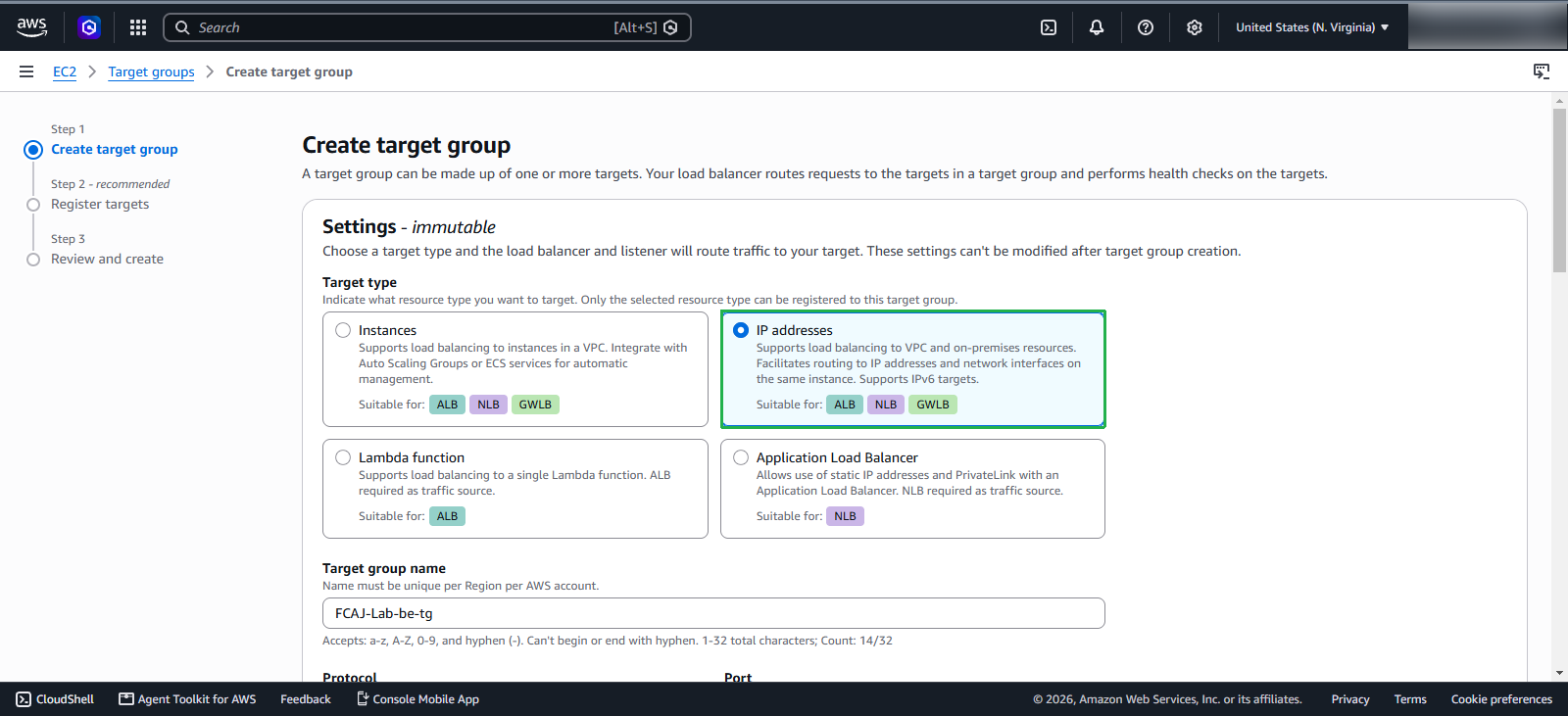
In the Basic configuration section, select IP Address.
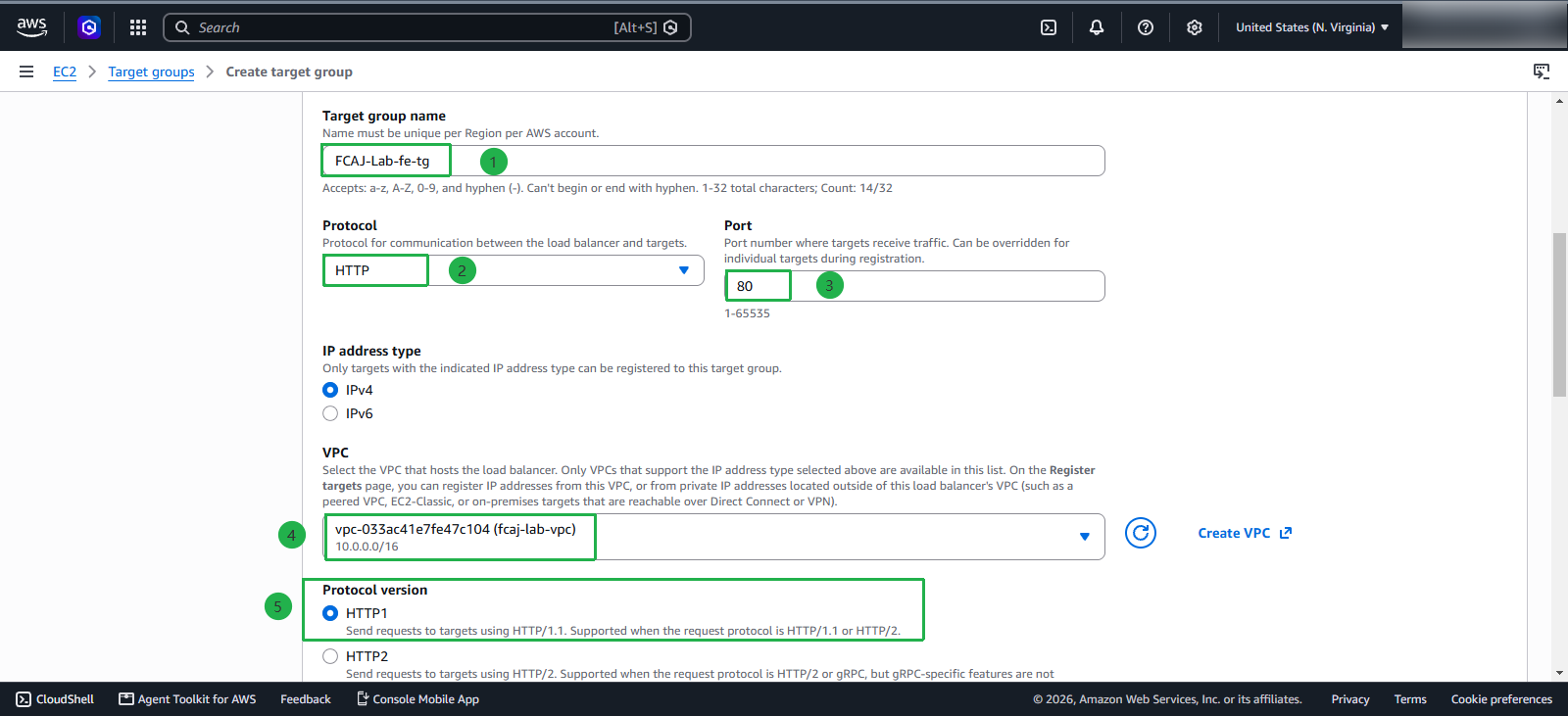
Enter the following information:
- Name:
FCAJ-Lab-fe-tg - Protocol : Port: HTTP : 80
- VPC: select the VPC that we created earlier
- Protocol version: HTTP1
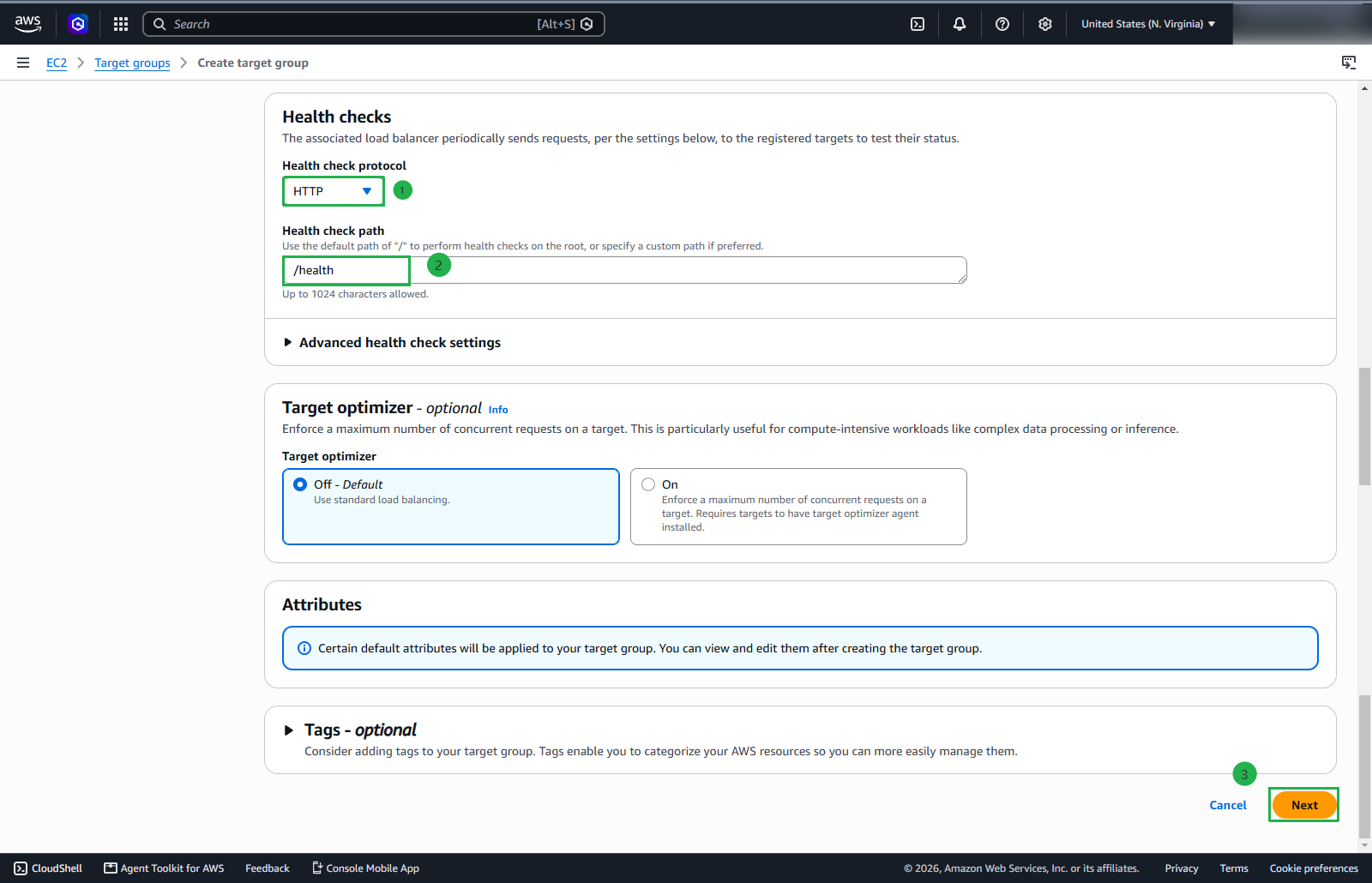
In the Health check section, we will add a Health check path as /health and click Next to continue
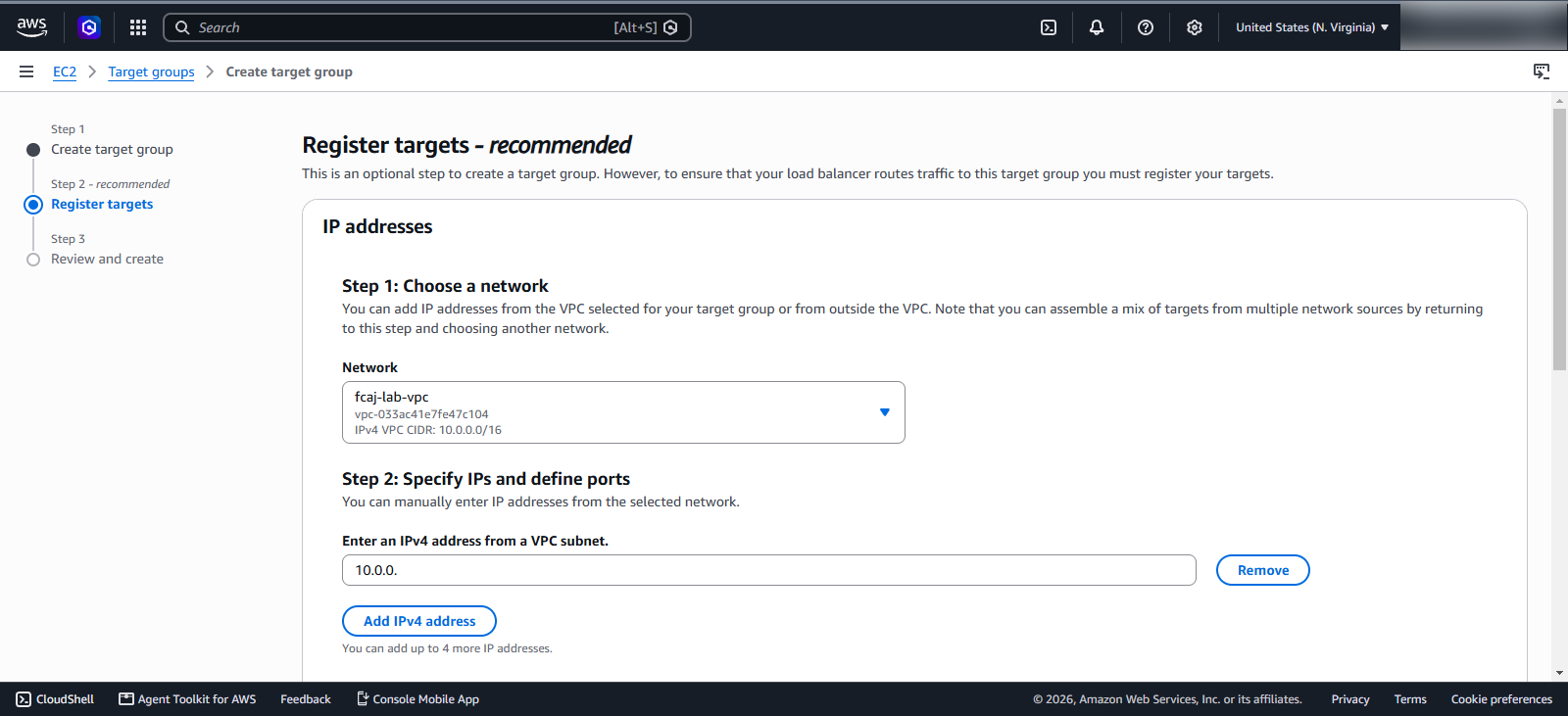
In this section, we will keep the default configurations
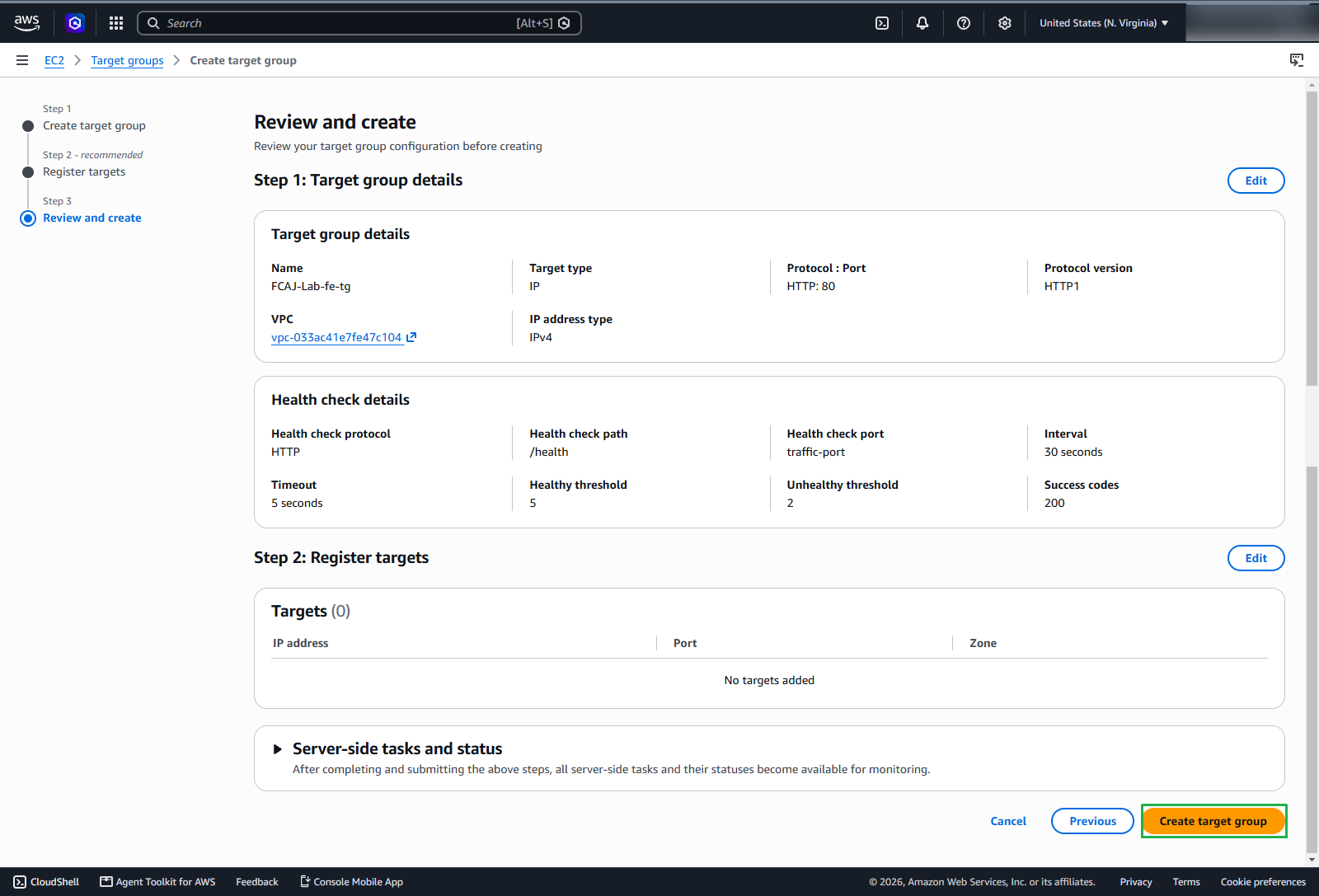
Click Create target group to create the target group
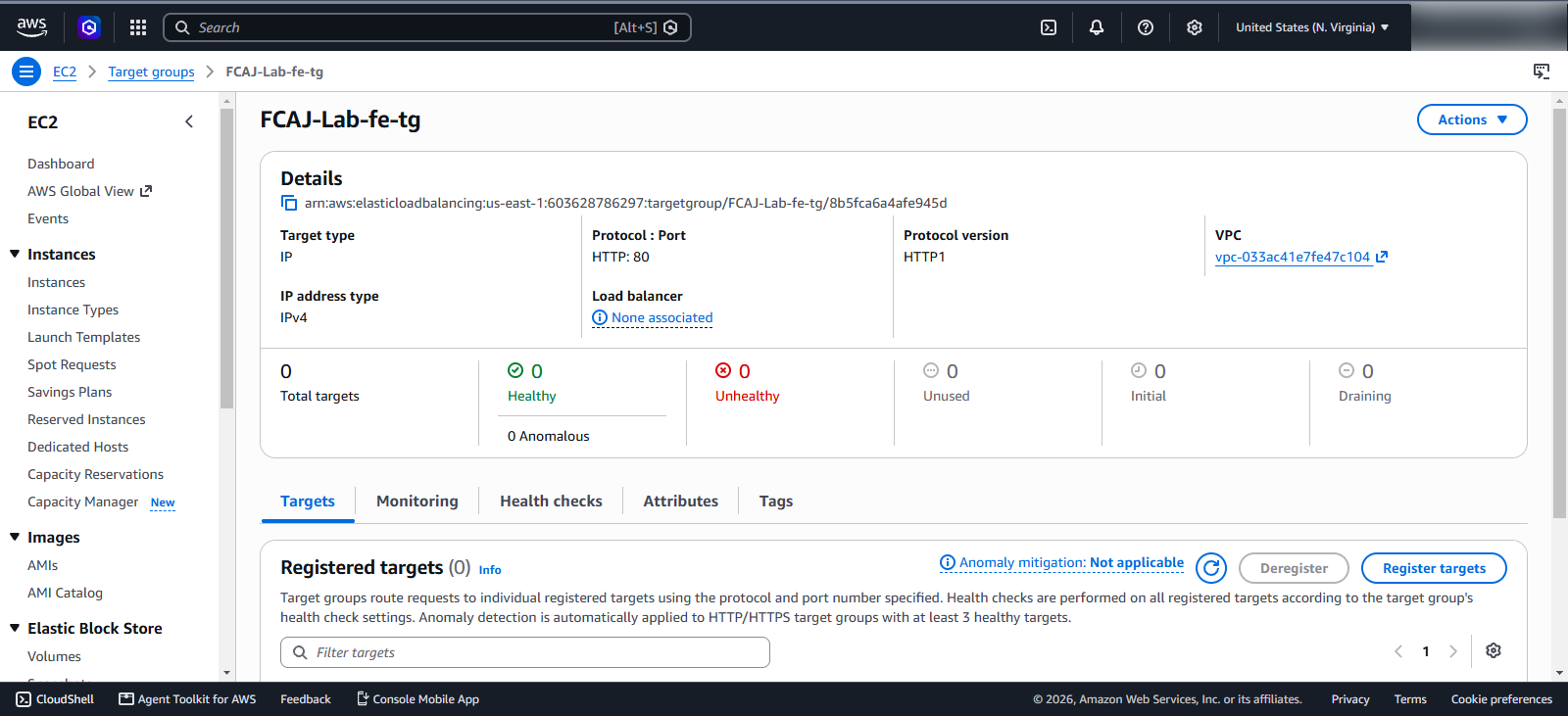
We have successfully created the target group for the frontend service.
Configure Target Group Backend
Similarly, we will create a target group for the backend service
In the search bar:
- Type
Target Groups - Select Target Groups (EC2 feature)
On the Target Group screen, click Create target group
In the Basic configuration section, select IP Address.
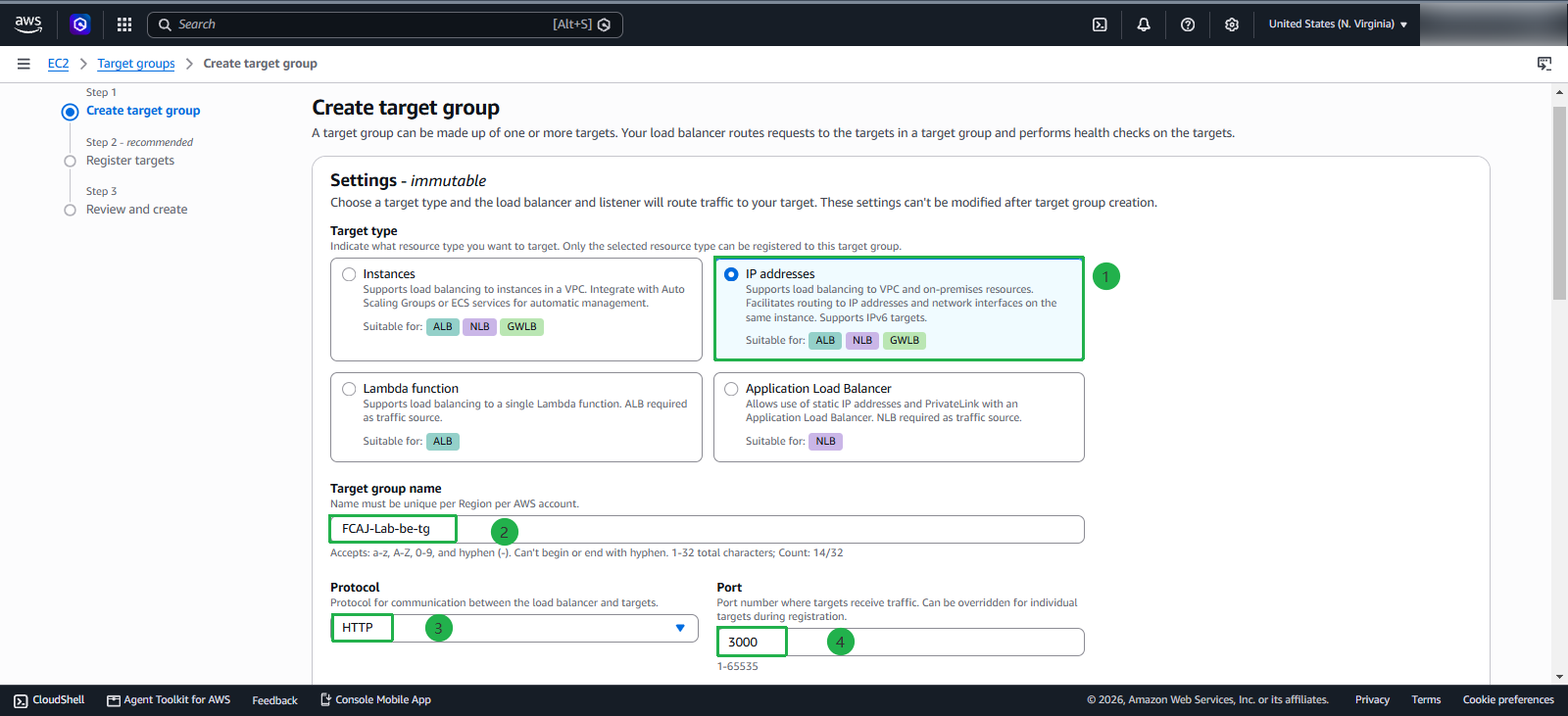
Enter the following information:
- Name:
FCAJ-Lab-be-tg - Protocol : Port: HTTP : 3000
- VPC: select the VPC that we created earlier
- Protocol version: HTTP1
In the Health check section, we will add a Health check path as / and click Next to continue
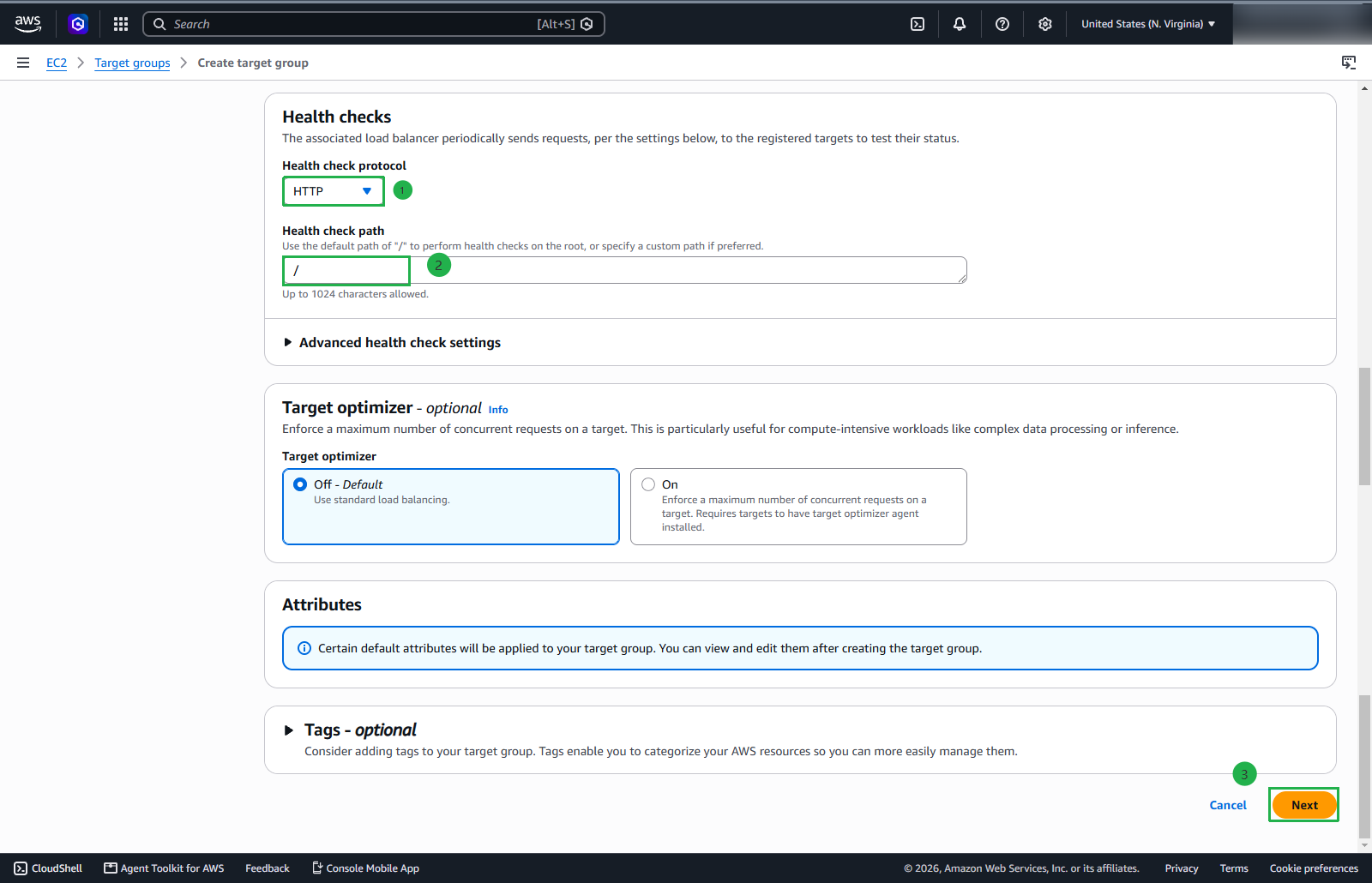
In this section, we will keep the default configurations
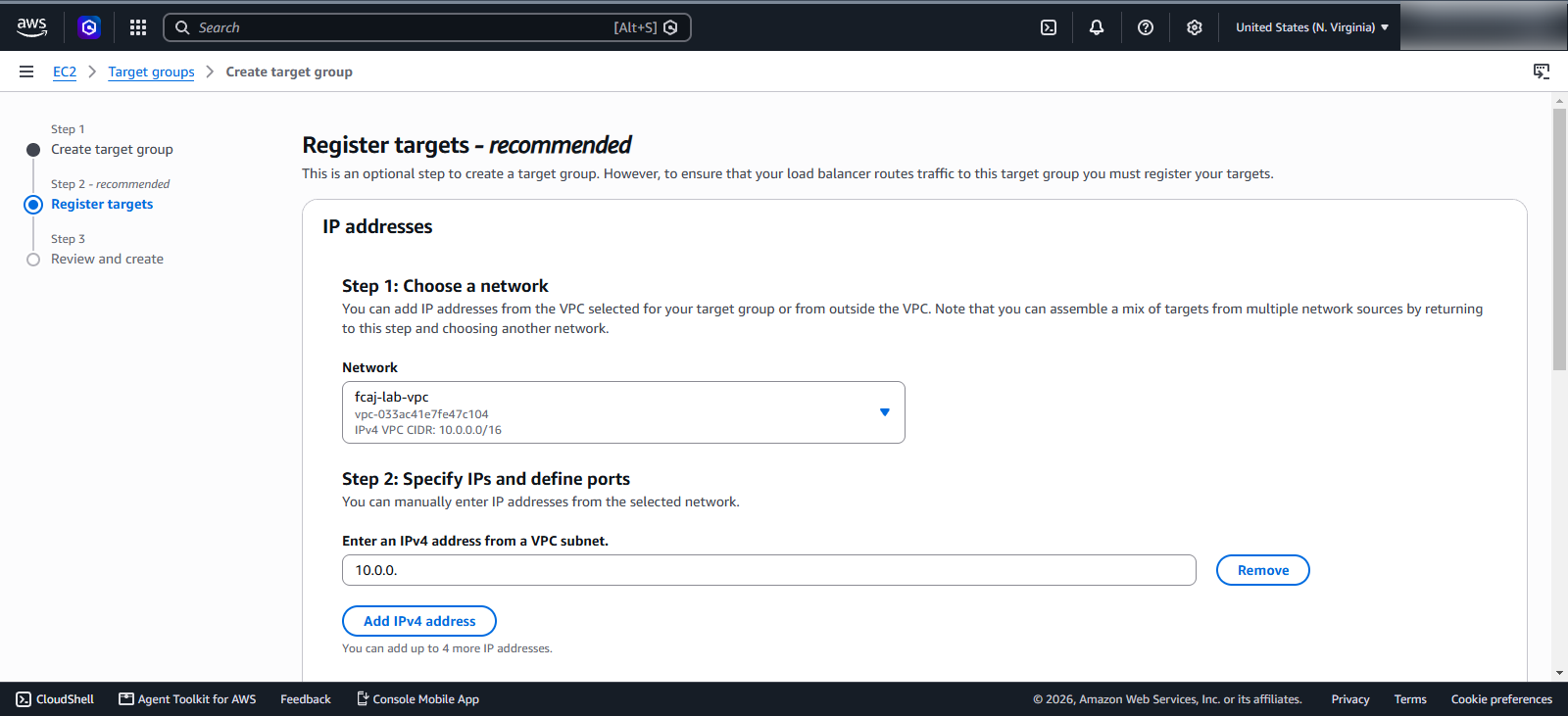
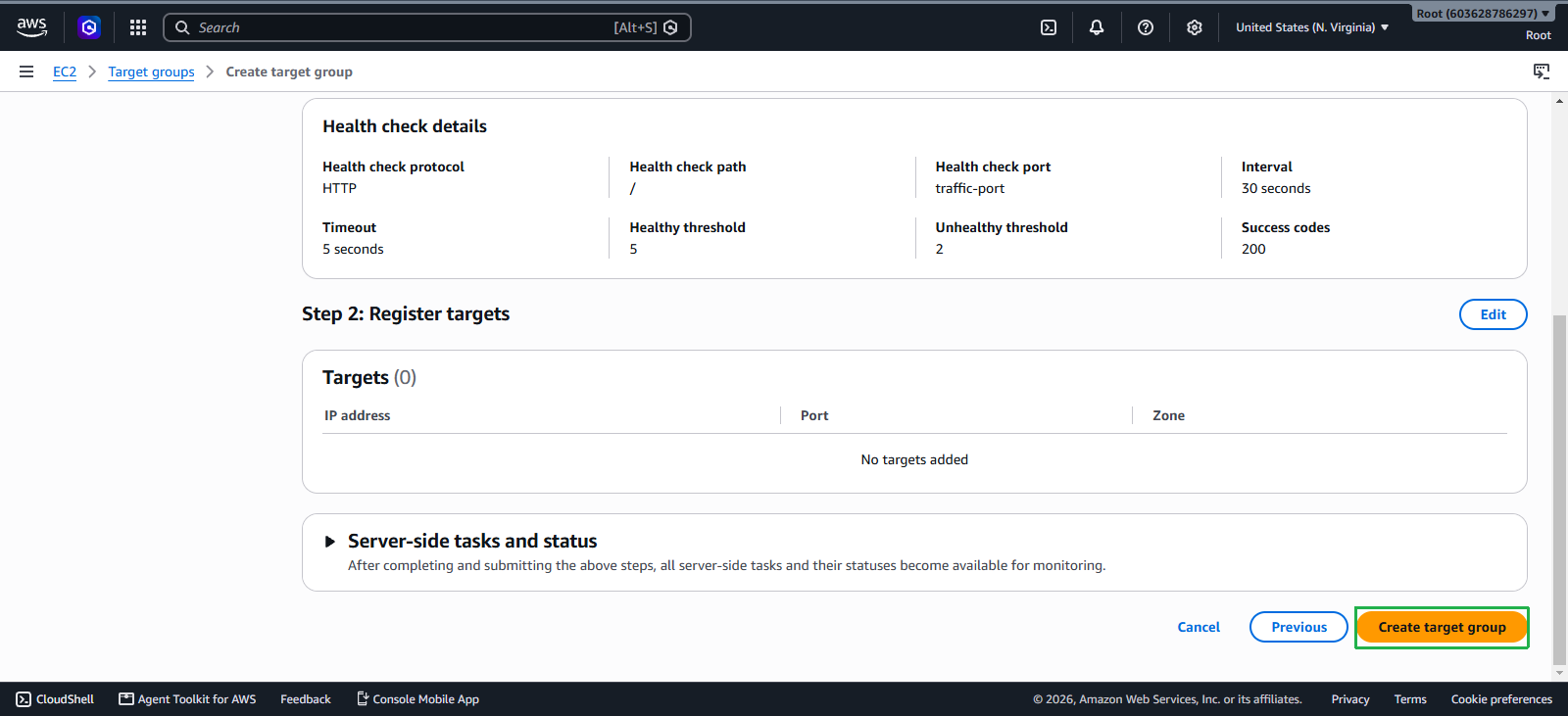
Click Create target group to create the target group
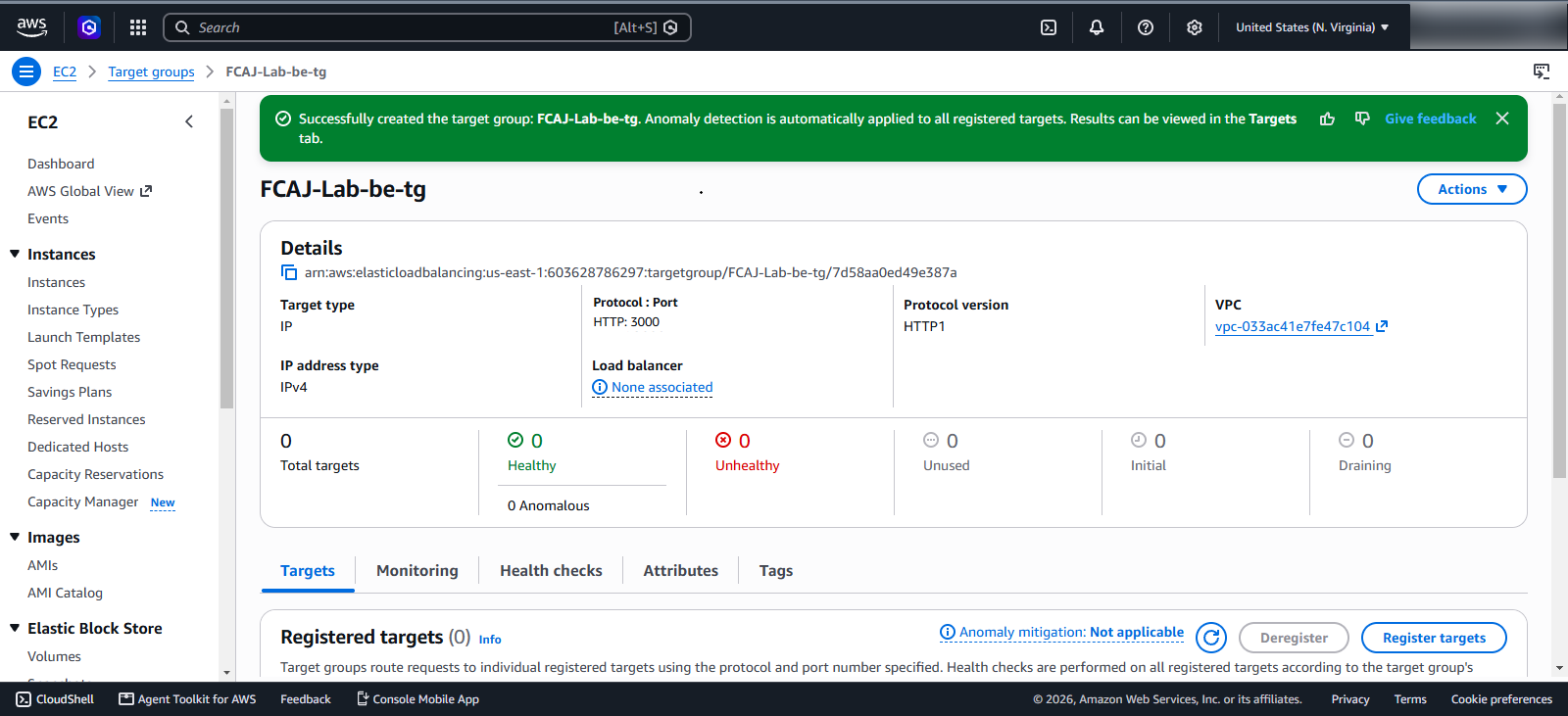
We have successfully created the target group for the backend service.