Frontend task definition
Similarly, now we will create the task definition for the frontend.
Configuring Task Definition for Frontend Service
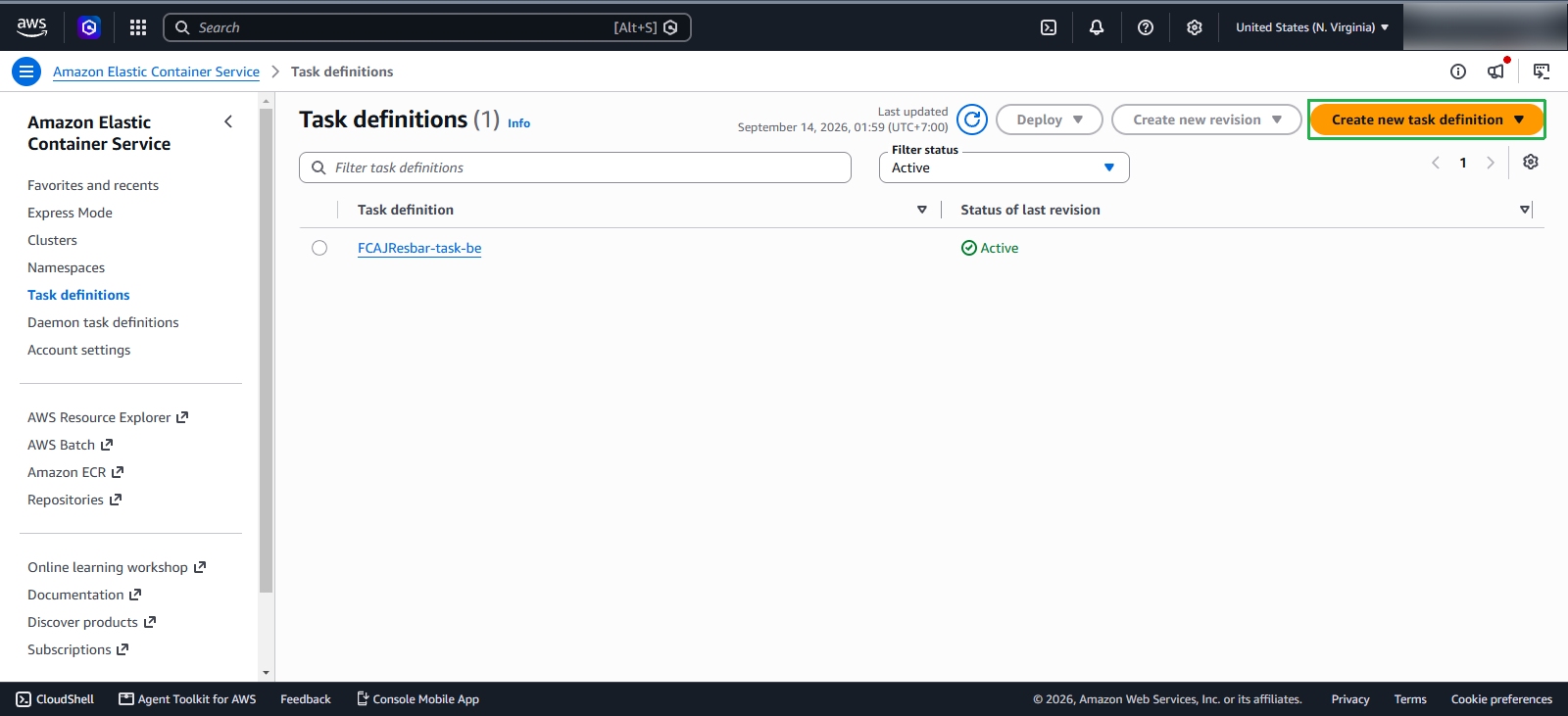
Go back to the Task definition screen:
- Click on Create new task definition
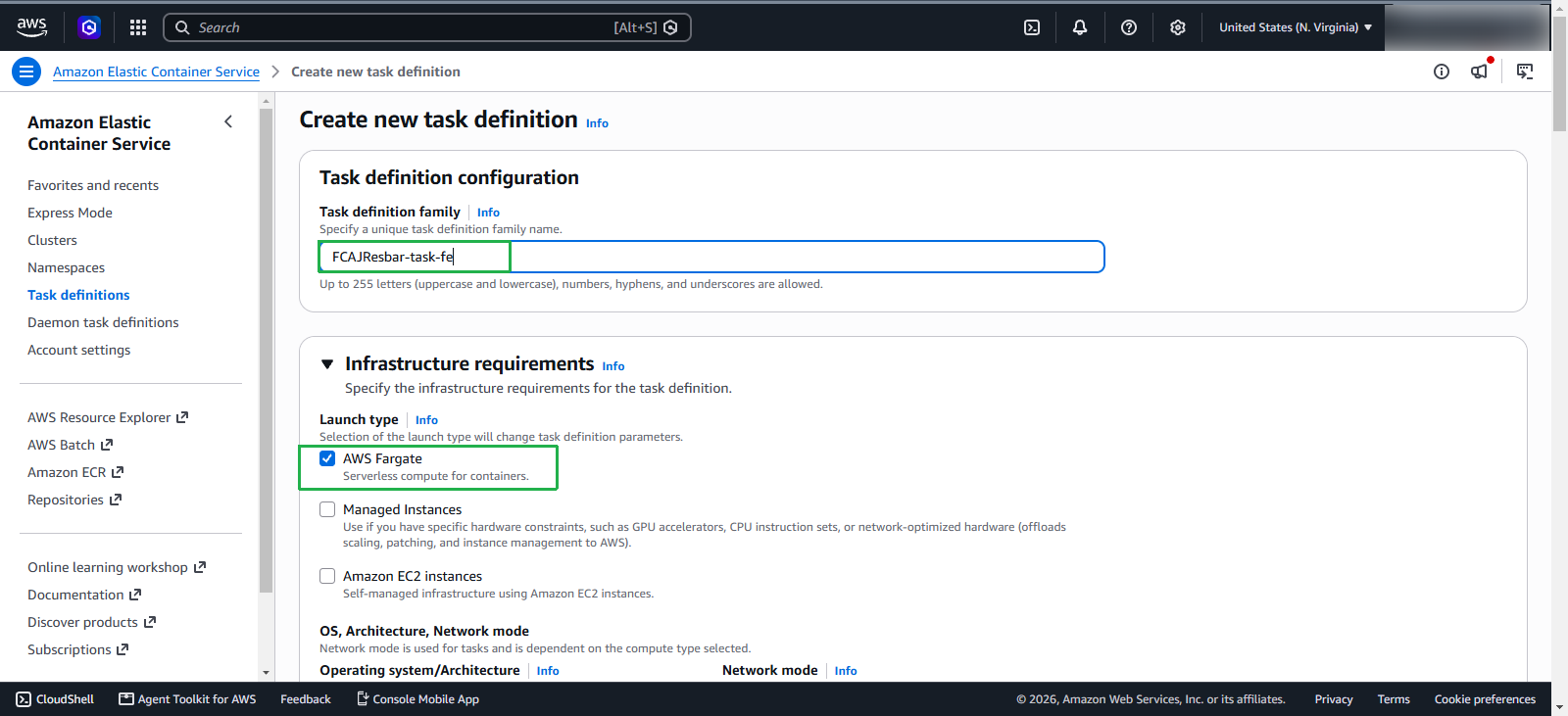
Continue filling in the basic information:
- Family name: enter
FCAJResbar-task-fe - In the Infrastructure requirements section:
- Launch type: choose AWS Fargate
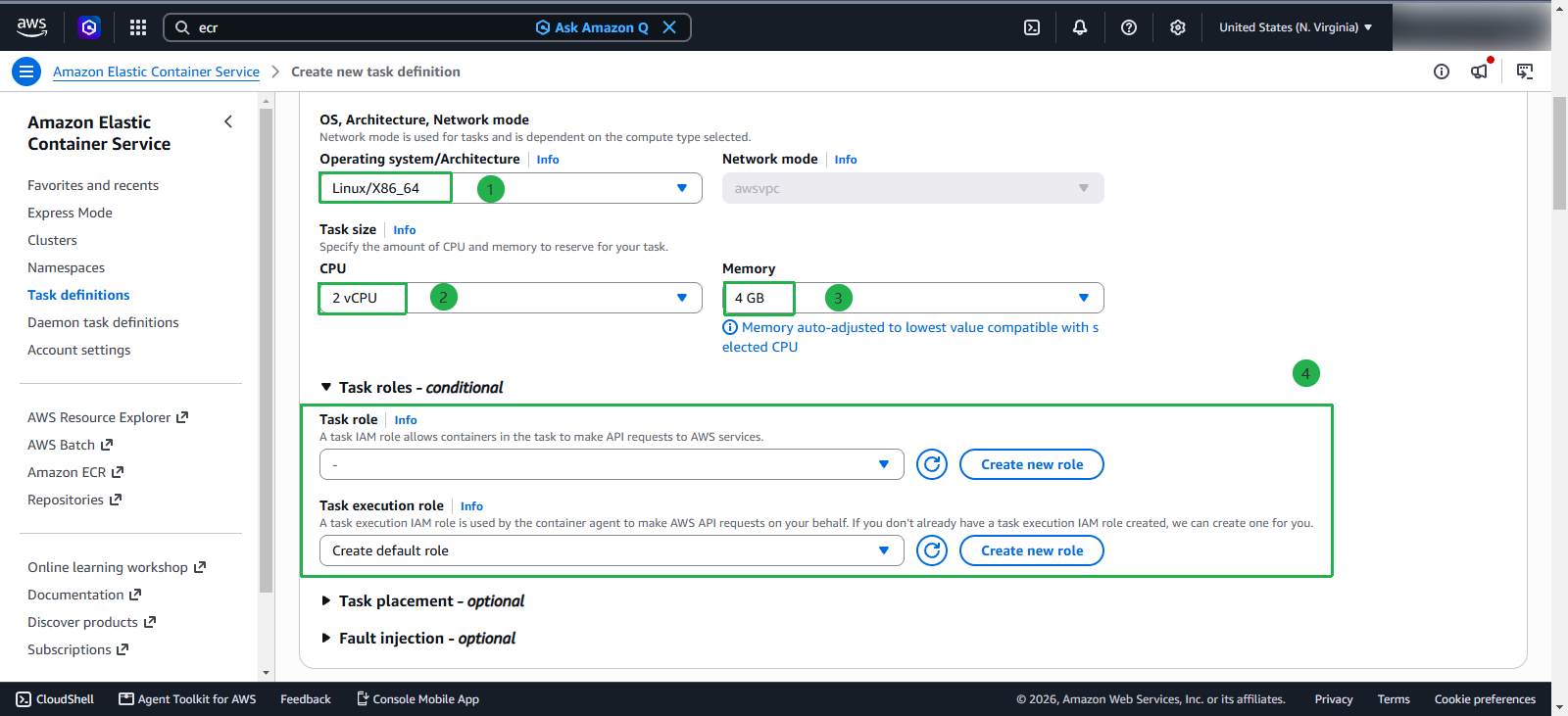
Next information:
- OS, Architecture, Network: choose Linux/x86_64, and the default network will be awsvcp when AWS Fargate is selected.
- CPU: 2 vCPU
- Memory: 4 GB
- Task role and Task execution role keep default
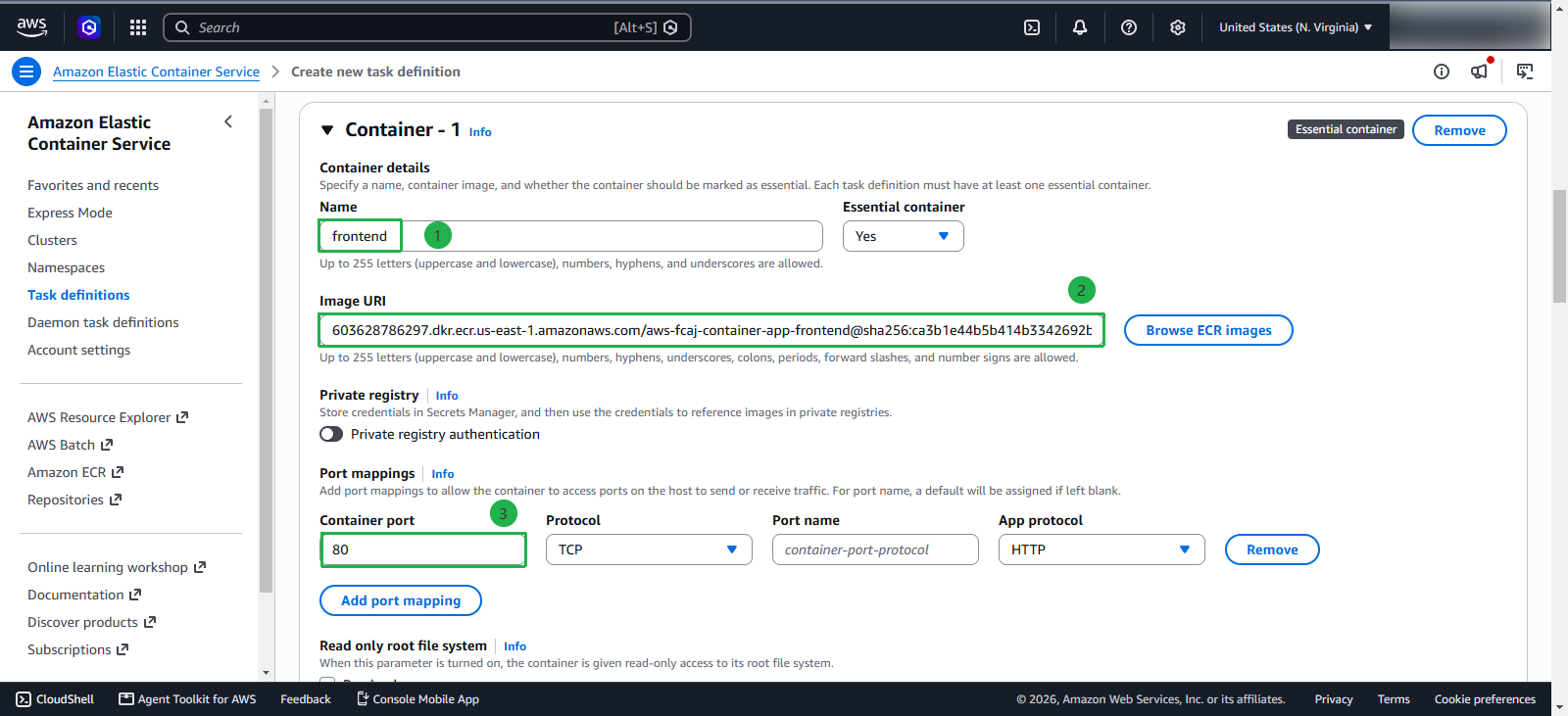
In the container definition section, fill in the following details:
- Name:
frontend - Image URI: the URI of the frontend image from either ECR or Dockerhub; here, we will use ECR.
- Container port:
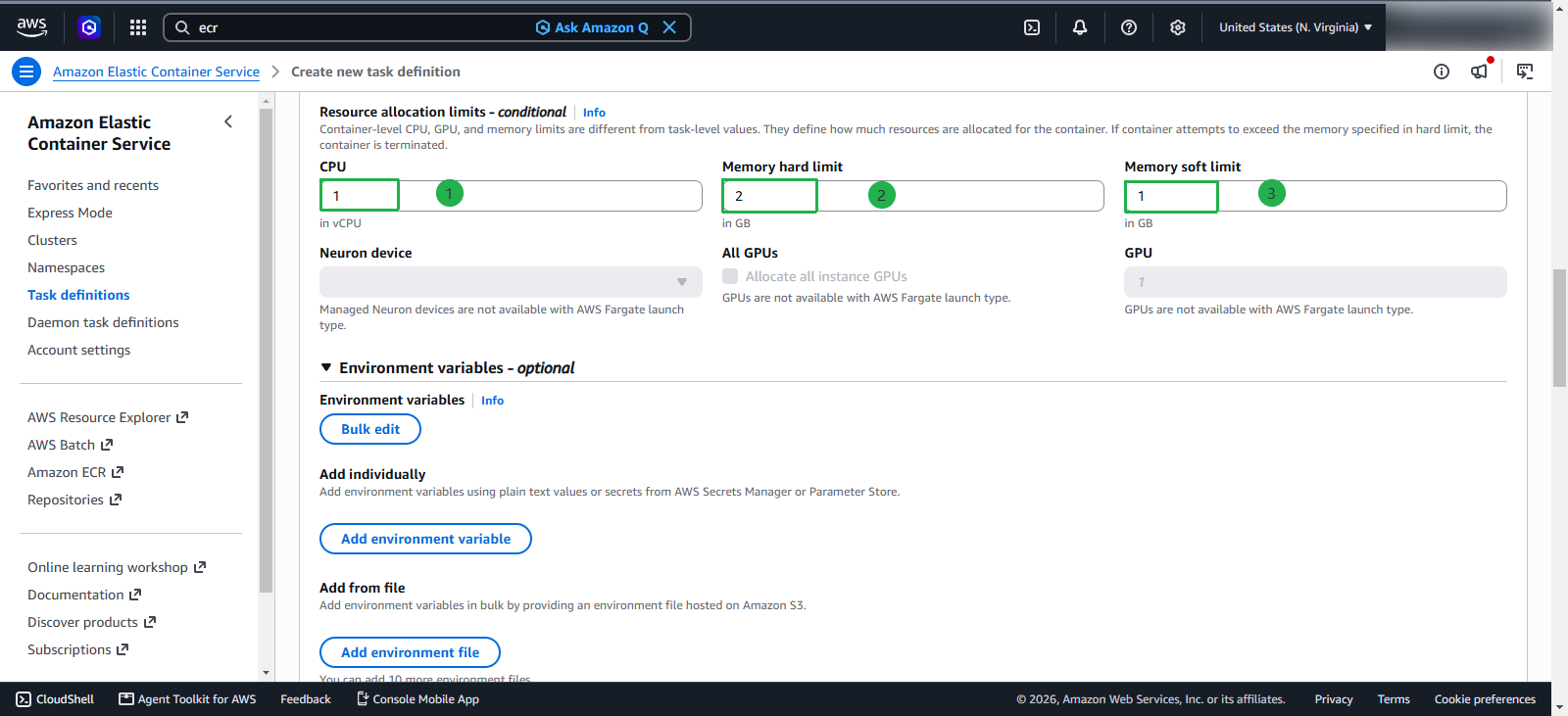
80; protocol: TCP; App protocol: HTTP - Resource allocation limits:
- CPU:
1 - Memory hard limit:
2 - Memory soft limit:
1
- CPU:
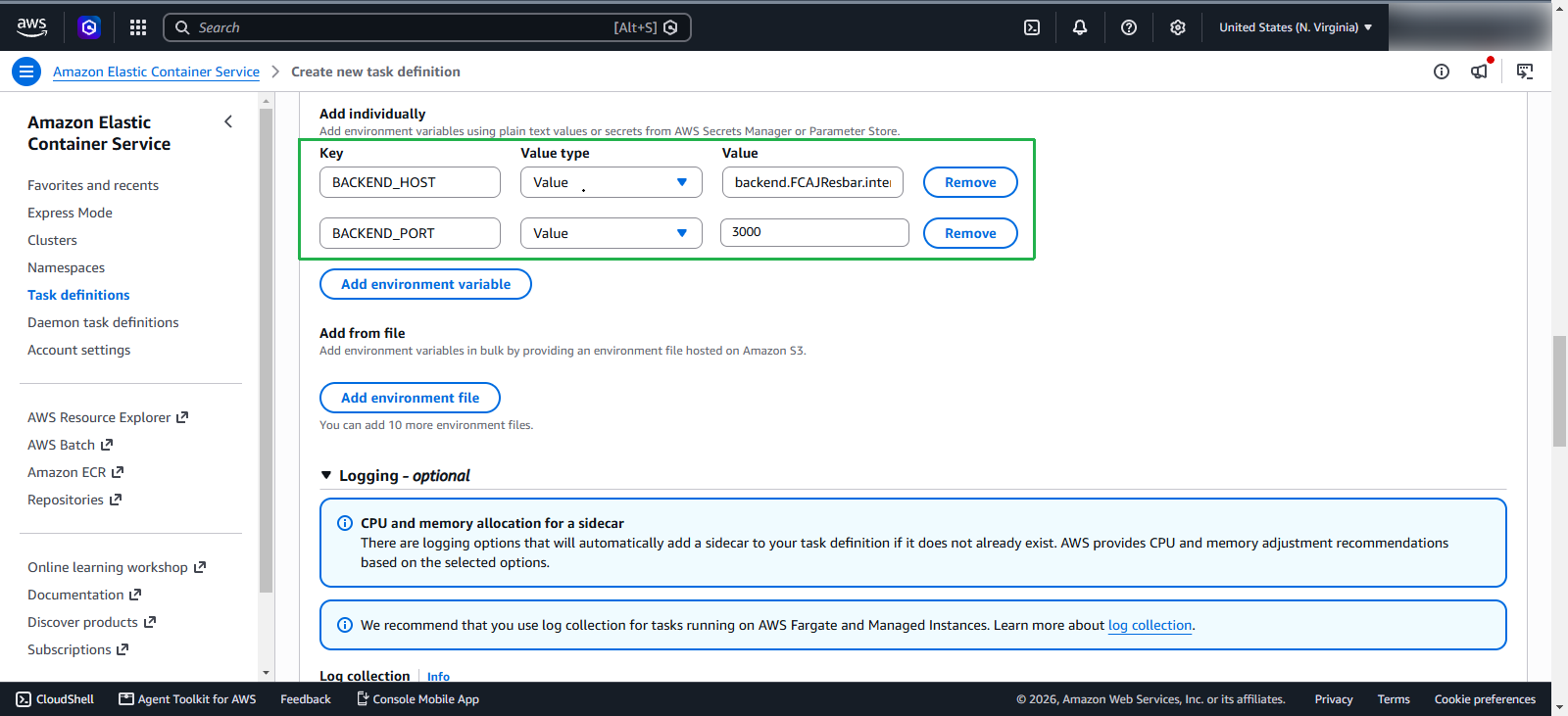
Next, add the environment variables, which include:
BACKEND_HOST=backend.FCAJResbar.internalBACKEND_PORT=3000
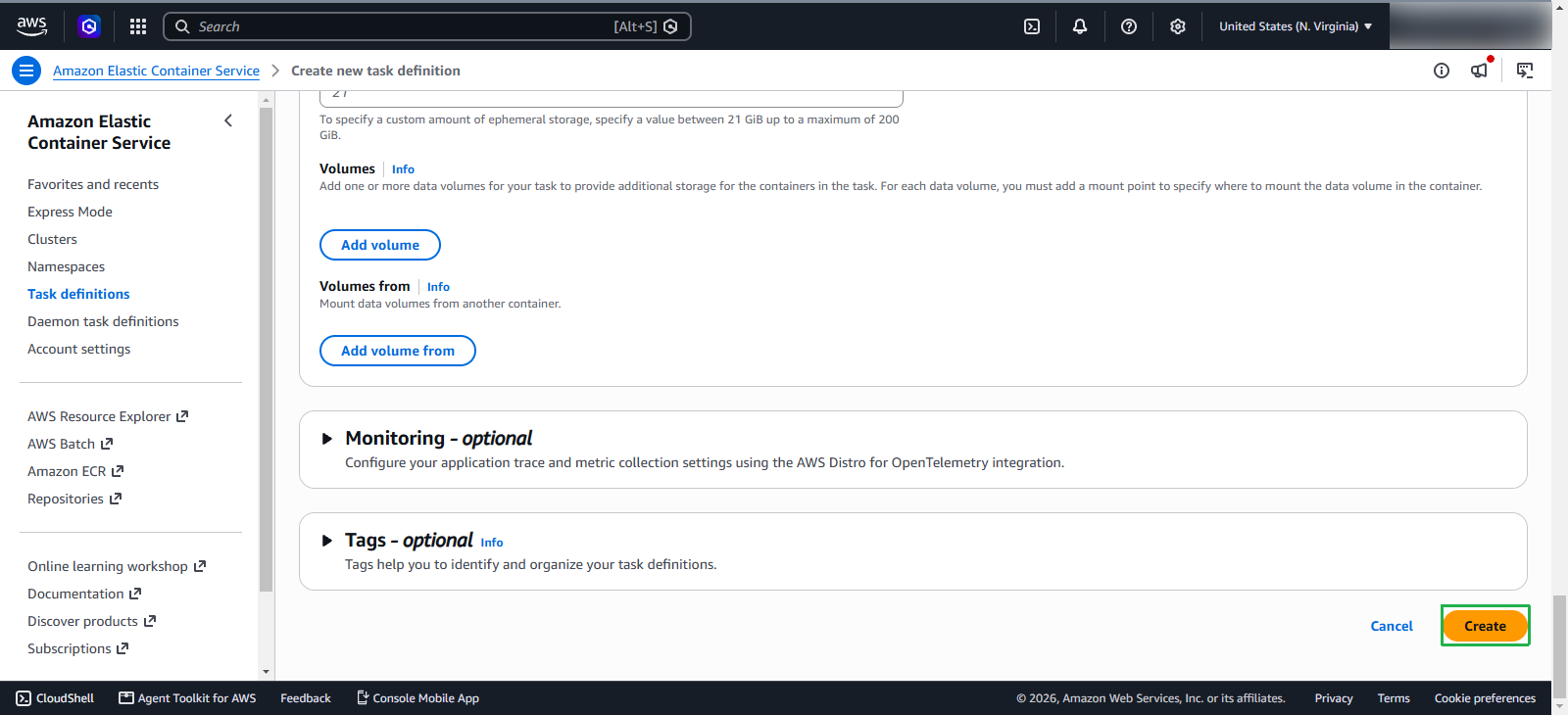
Keep the remaining configurations as default and finally click Create to create the task definition
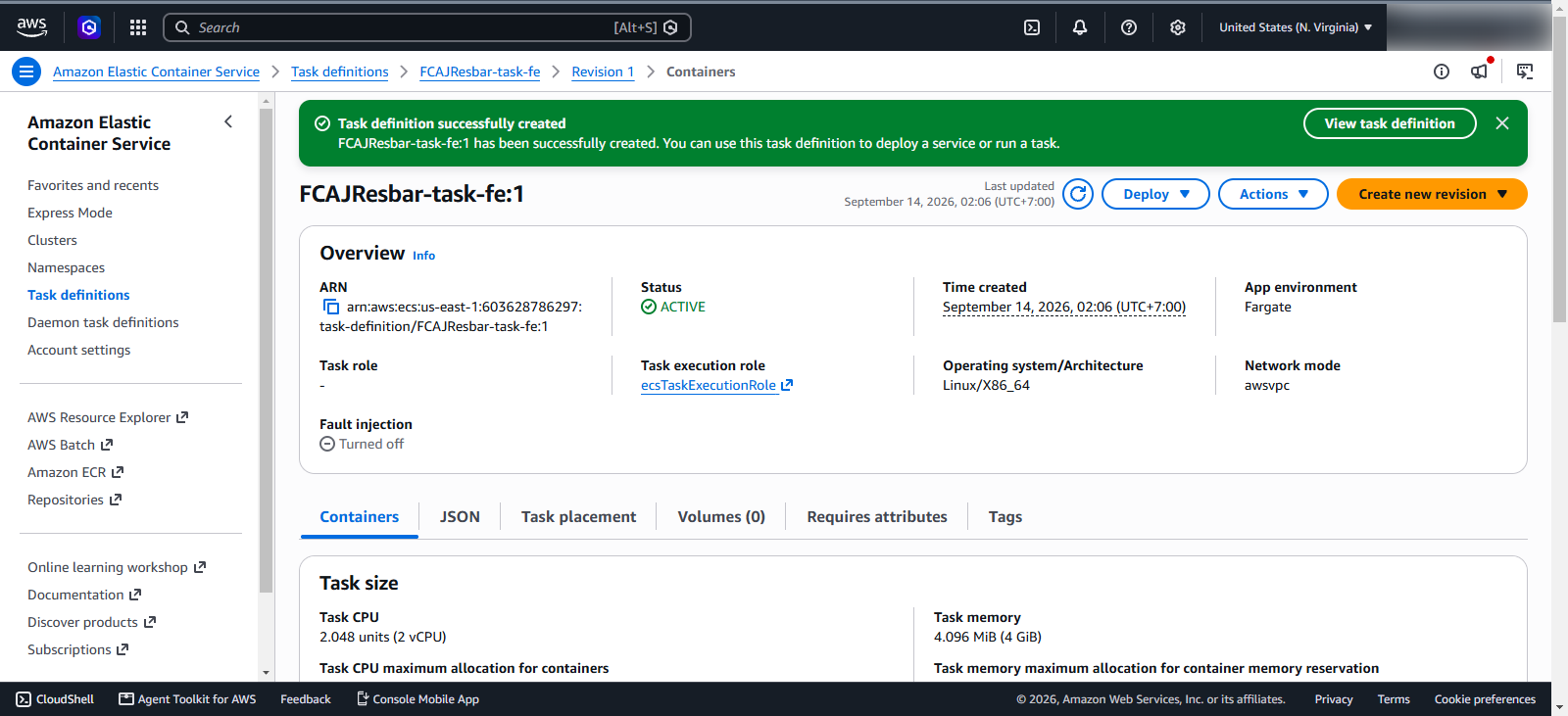
We have successfully created the task definition for the frontend service.