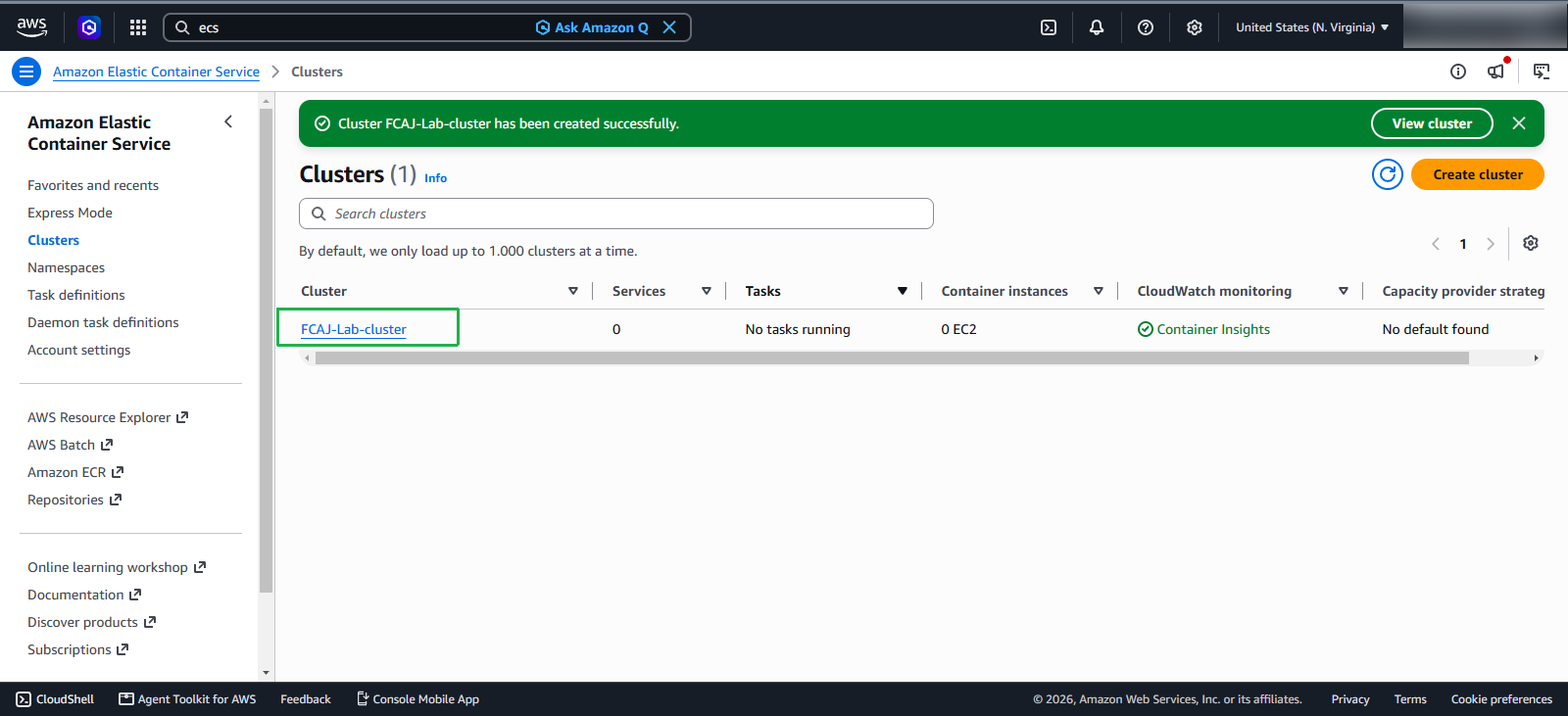
Create ECS Cluster
Create ECS Cluster
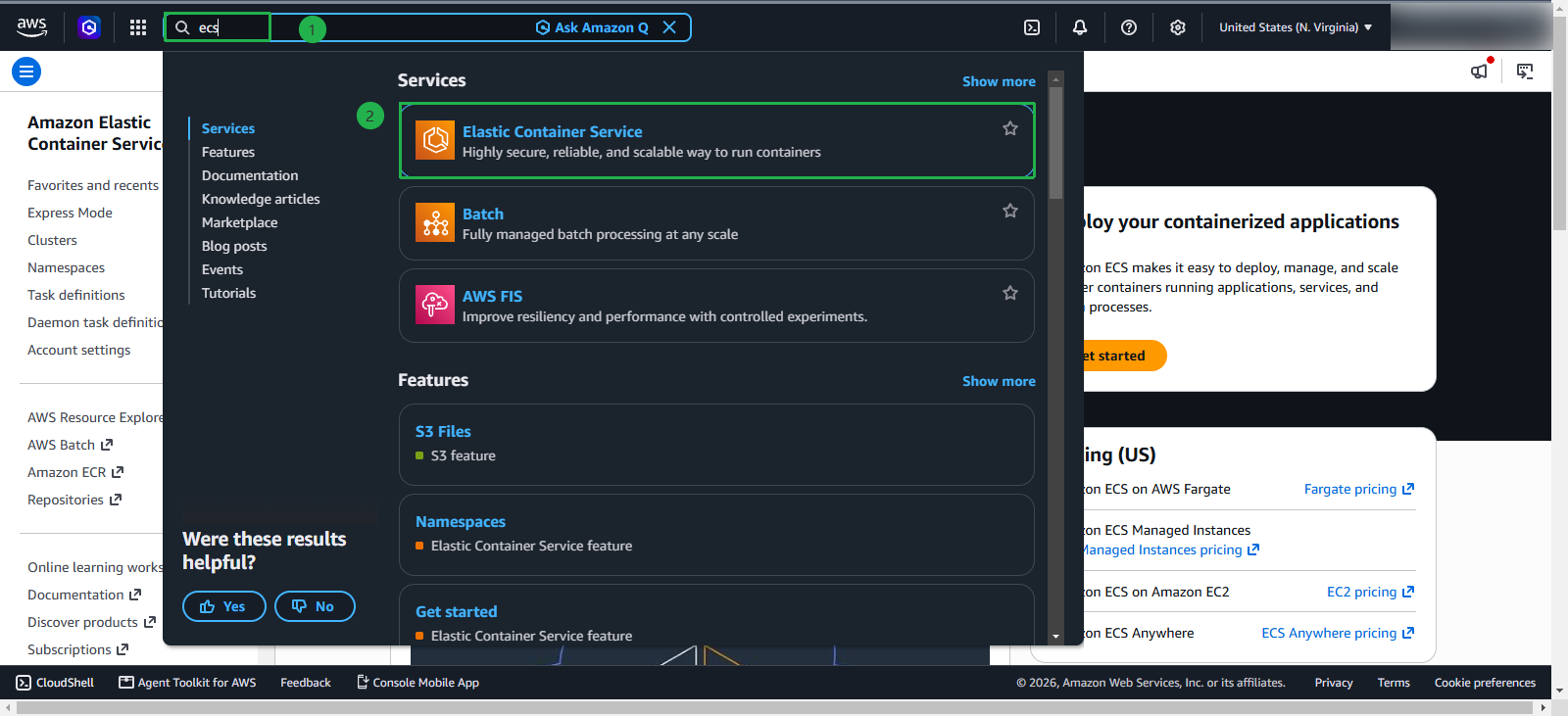
In the search bar
- Type
Elastic Container Service
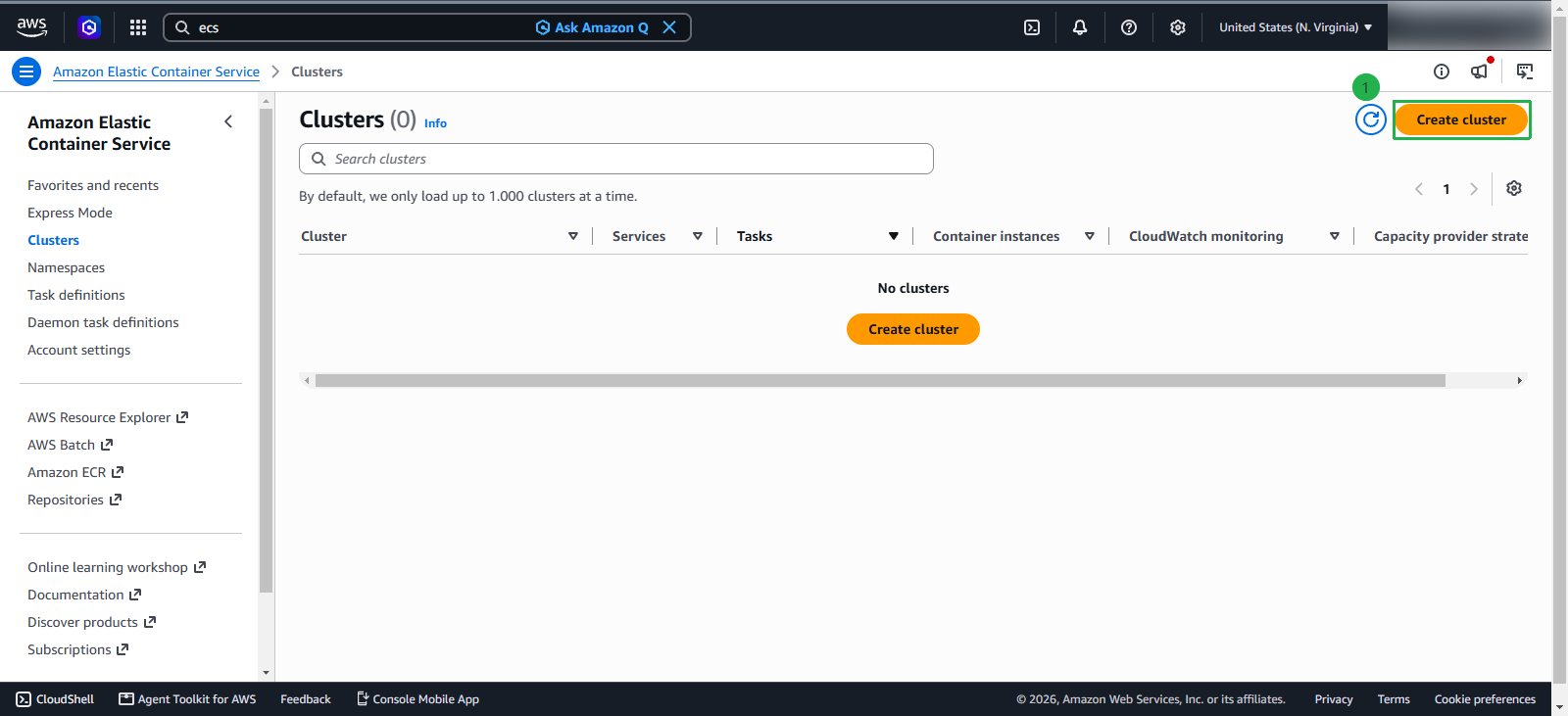
On the main ECS Console interface
- Select Cluster
- Click Create cluster to create a new cluster
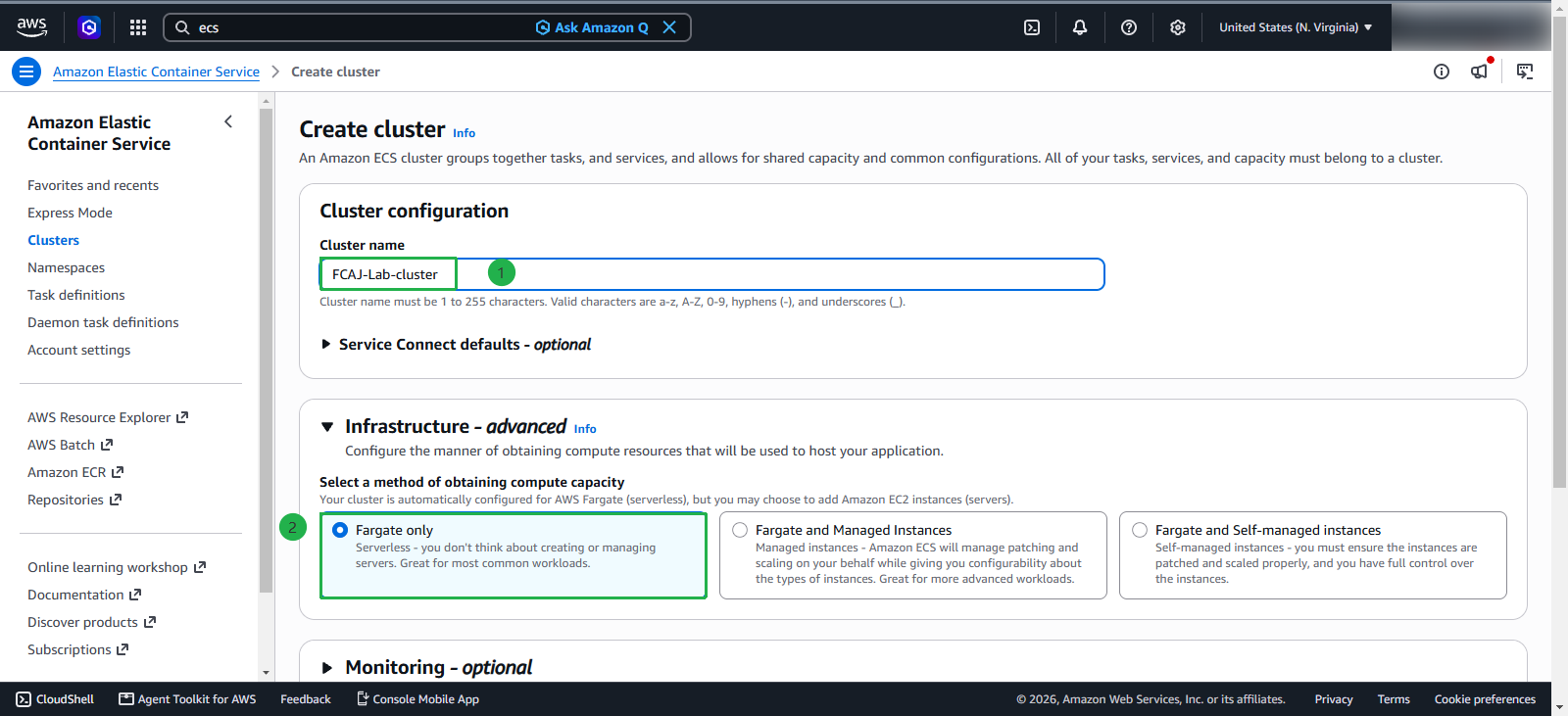
On the Create Cluster page
- Name: Enter
FCAJ-Lab-cluster - Namespace: It will be automatically created
- Infrastructure: Select AWS Fargate Only.
In the Monitoring section
- Select Use Container Insight
- Click Create to create the cluster
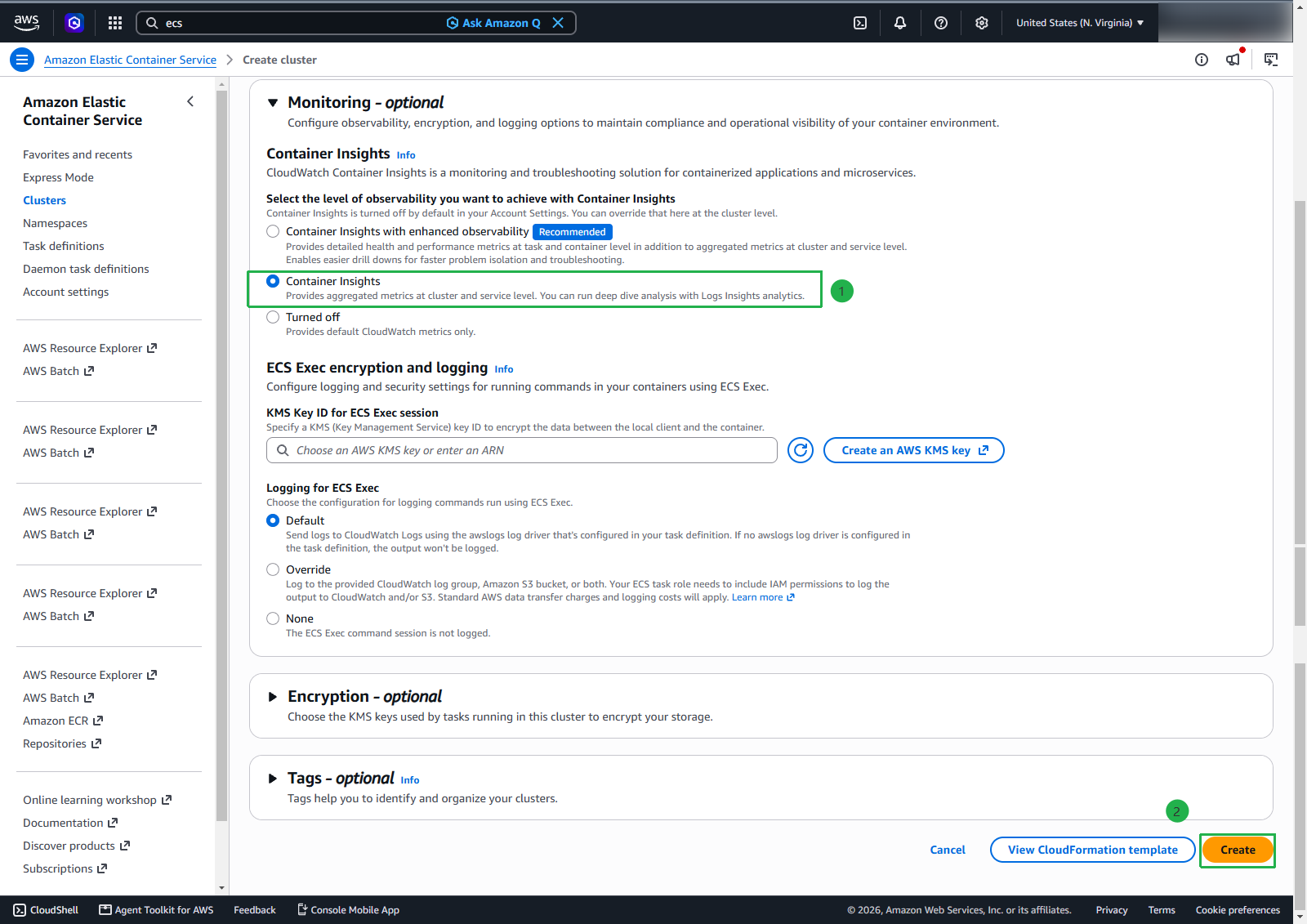
We enable Container Insight because in a later workshop, we will take a closer look at the ECS Services and the Containers inside a Cluster.