Push image to Dockerhub
Push the Image to Dockerhub
In the previous step, we successfully pushed the image to ECR, and in this step, we will push the image to Dockerhub.
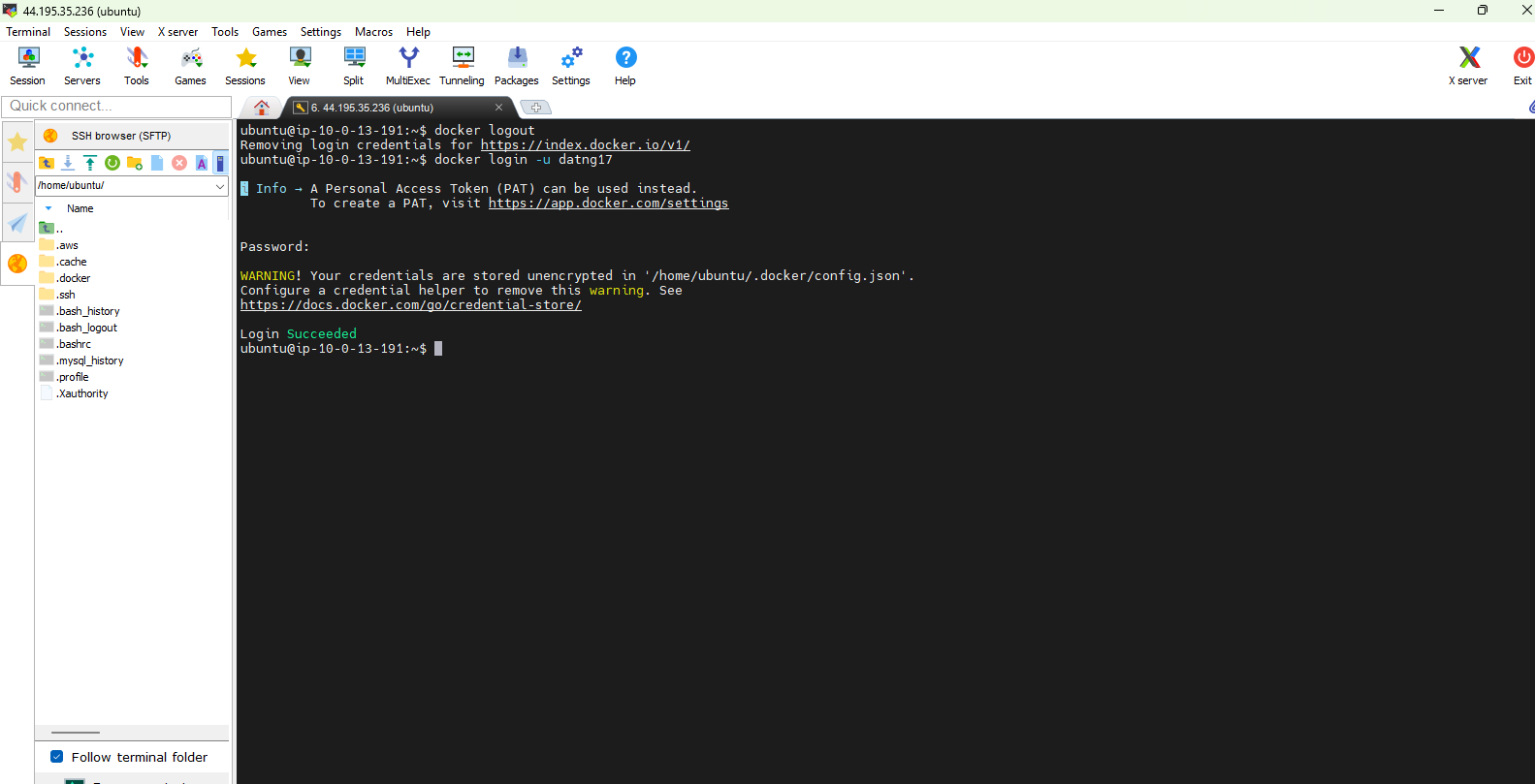
- Log out (remove ECR credentials) from Docker with the command:
docker logout
- And proceed to log in with the command:
docker login -u "your-docker-username"
List the existing images, and now we won’t rebuild the image but just add another tag for Dockerhub. After tagging, list the images again, and you will see the new tag has been added.
docker tag "image-uri":latest "docker-username"/aws-fcaj-container-app-frontend:latest
List the existing images again, and you will see the new tag has been added.
docker images
Proceed to push the image to Dockerhub
docker push "your-docker-username"/aws-fcaj-container-app-frontend:latest
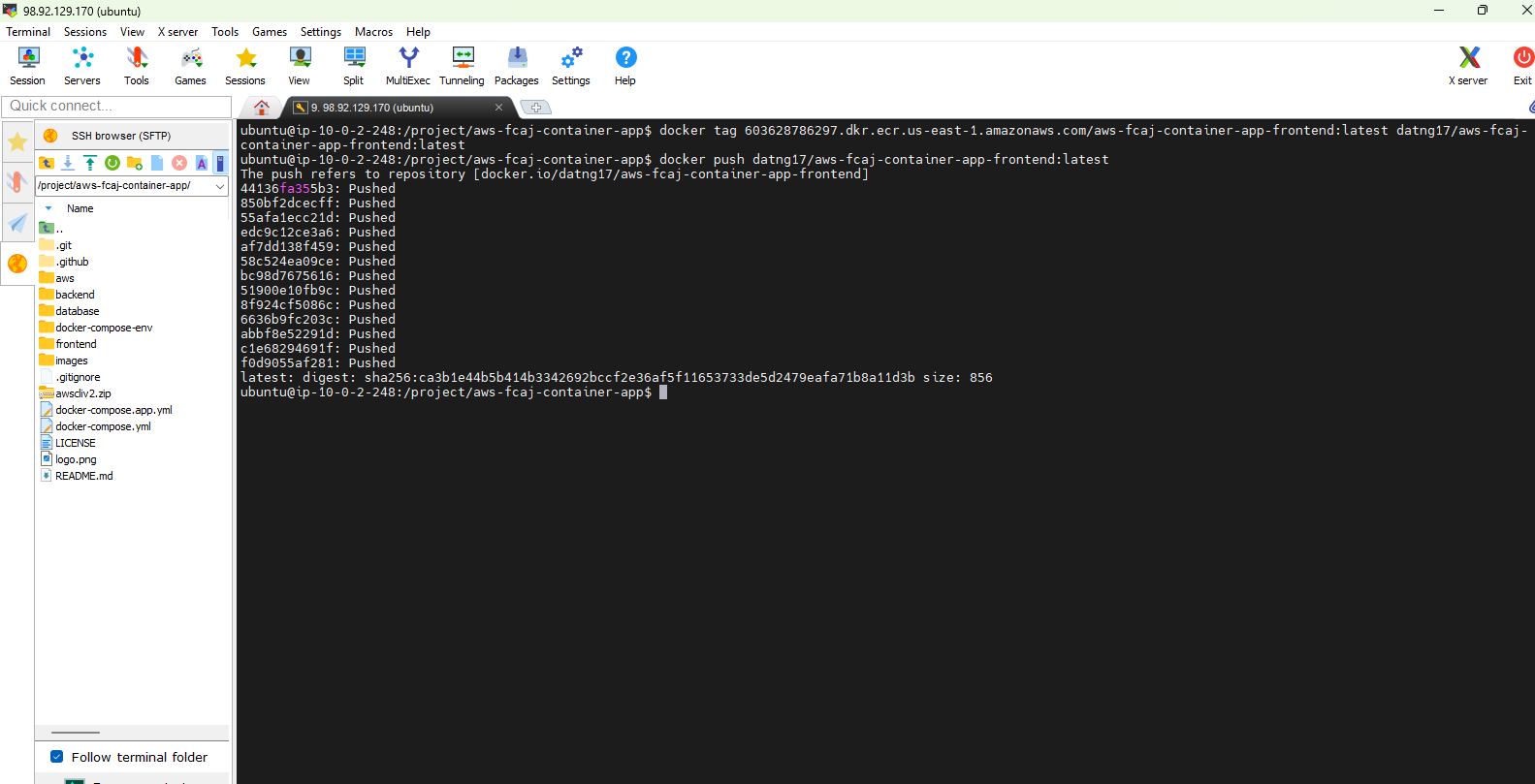
And check the result
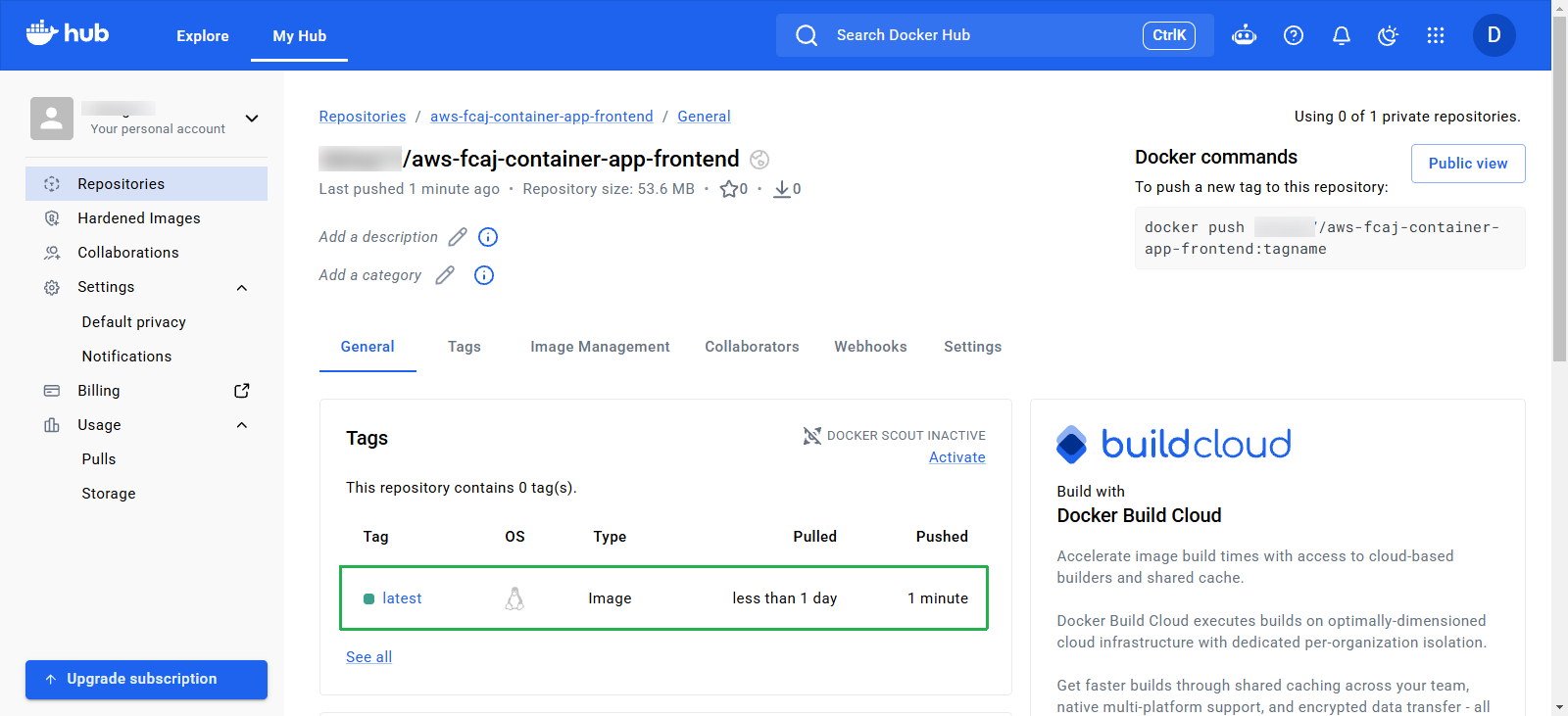
So, we have successfully pushed the image to both ECR and Dockerhub. Now you can use the image from any registry to deploy the Frontend Service.